Buyer Guide
How to Choose a Plaster-Free Articulator System
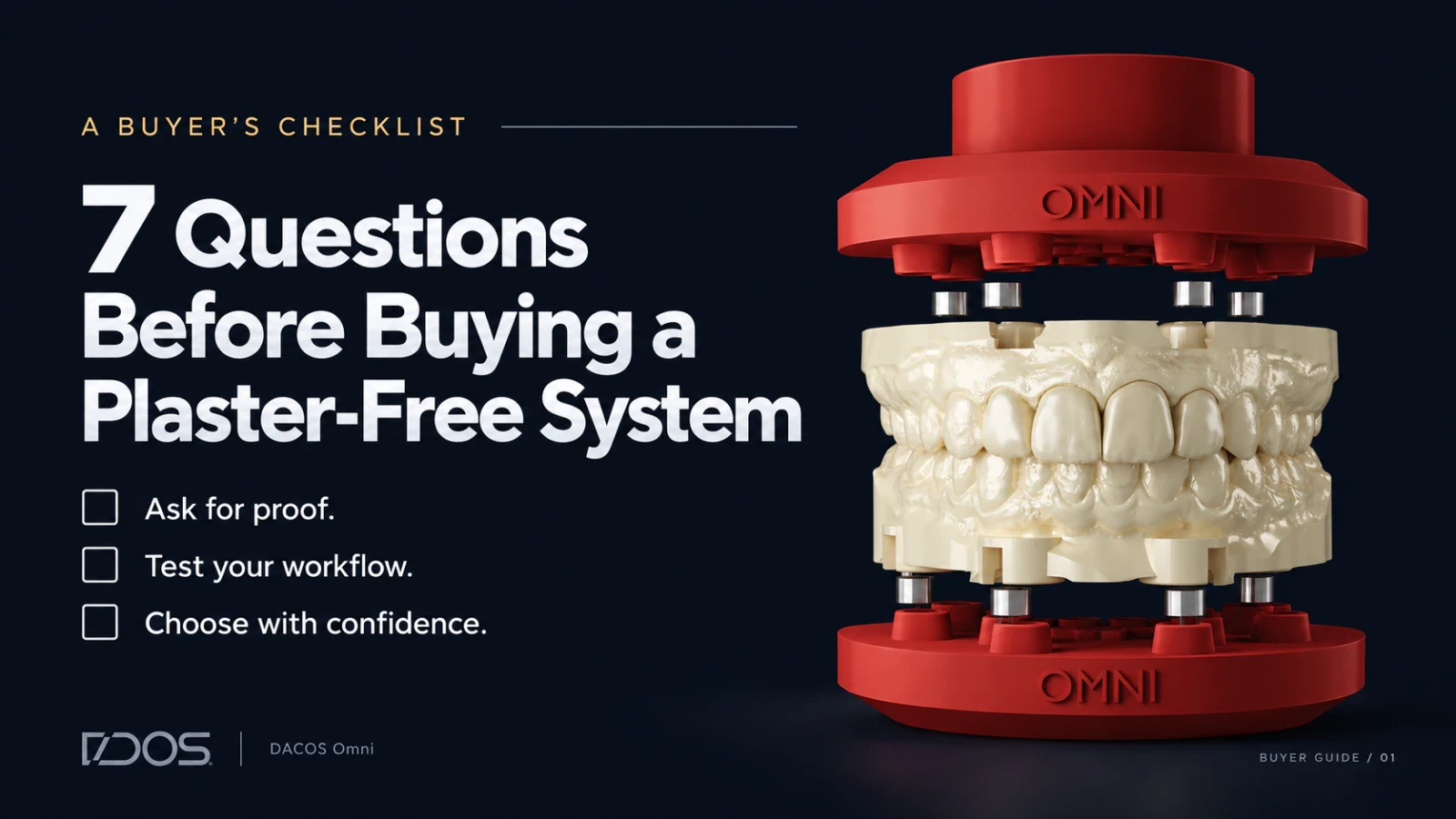
Seven questions to ask before buying a plaster-free articulator system: transfer proof, open design, implant analogs, flat printing, calibration, CAD, IP.

Dental Technician Inventor & Founder
Introduction
New plaster-free systems reach the market every year. Each one promises speed, simplicity and a cleaner bench. Removing the plaster is the easy part. The hard part is the job plaster used to do: holding your model on the articulator where your CAD design placed it.
When a system fails at that job, you get transfer drift. The contacts you designed on screen don't land on the articulator, the pin stops short of zero, and you lose an hour working out which link in the chain broke.
You will live with the system you choose on every case, every day, for years. So before you invest, ask these seven questions. Use them at trade shows, on sales calls and in your own lab. A system that can't answer all seven asks you to absorb its compromises.
1. Can they prove the transfer on your bench?
Ask any vendor for an accuracy figure and you will get one. A micron value measured in their lab, on their printer, with their resin tells you little about your cases. Your result depends on your scanner, your printer, your resin, your curing protocol and your articulator.
Ask for a demonstration instead, and check the three things you already check at the bench:
The pin closes to zero on the first mount, with no adjustment.
The contacts match your CAD design. Put the screen next to the articulator and compare them point by point.
The model stays put. Press on it. It shouldn't rock, lift or shift.
Then ask to repeat the test with a model printed on your own equipment. A system that only performs in the vendor's booth won't perform in your lab.
DACOS Omni: pin to zero, matching contacts and a stable model, shown live. Ask for the demo, then repeat it in your lab, on your printer, with your resin.

2. Does it work on the articulators you already own?
Some systems fit only their own brand's articulators. If your lab runs Artex, SAM, KaVo or a mix, a closed system forces a choice: standardize on one brand, or buy a separate system for each.
Ask the vendor which articulators the system supports today. Ask how it handles one that isn't on the list, and what happens when you add a second brand next year.
An open system adapts to your equipment. You keep the articulators you trust and the workflow your team already knows.
DACOS Omni: works on any articulator. During installation, TrueZero™ Calibration sets the plates to your specific articulator, so the system fits the equipment on your bench today.
3. Can it mount implant cases without hitting the analogs?
Implant cases carry your highest value and your tightest occlusion. If the base geometry collides with an implant analog, you grind, reposition, or go back to plaster on exactly the cases where you can least afford a compromise.
Bulky bases cause most of these collisions. A large footprint leaves no room to route around an analog.
Bring a full-arch case with analogs to the demo and ask the vendor to mount it. Ask how the system handles an analog that sits where the base wants to attach.
DACOS Omni: DockingMatrix™ Configuration puts 8 magnets on the plate and uses 4 per model, for 9 possible combinations. You pick the one that clears your analogs inside CAD, before you print. The compact footprint lets you mount an All-on-X case as easily as a single unit.
4. Was the geometry designed for 3D printing?
Many systems carried their base geometry over from traditional mounting hardware. The base ends up too bulky to print flat, so the model goes on the build plate at 45°. That tilt costs you four ways:
fewer models per build plate
longer print times
supports in areas you need clean
lower tooth quality, since teeth print best horizontal
Ask the vendor which orientation the system requires, and ask to see a full build plate from a real lab.
DACOS Omni: ShieldBase™ Geometry prints flat. A peripheral lip of 0.7 mm or less prints without supports, and a 2–3 mm stand-off rim keeps the over-exposed first layers away from the seating surface. You nest models flat and keep the full plate.
5. Does it calibrate to your articulator and your printer?
Most systems assume your articulator is perfect and your printer prints true. Articulators carry hinge play, condylar wear and platform tolerances. Printers carry their own systematic error. Both stack on top of the transfer.
Ask the vendor how the system accounts for your specific equipment, beyond a factory spec.
DACOS Omni: with TrueZero™ Calibration you print the calibrator on the same printer, with the same resin, as your patient models. Your printer's systematic error shows up in both and cancels out, and the plates lock calibrated to your articulator. Change printer or resin? Print a new calibrator and repeat. One honest limit: if a printer doesn't repeat its own error, no calibration can fix it.
6. Does it plug into the CAD software you already use?
A system that needs a separate tool, or asks you to model the base by hand, adds a step to every case and one more place for an error to hide.
Ask which CAD platforms have native libraries, and whether the attachment geometry comes pre-built or you build it yourself.
DACOS Omni: dedicated libraries for exocad, 3Shape and Blender for Dental, with every attachment type and all 9 DockingMatrix™ combinations pre-integrated. You select the configuration in the software you already use, export and print.
7. Is the technology protected?
IP protection tells you the manufacturer invested in engineering rather than assembling off-the-shelf parts. It makes cheap copies harder, and it gives the company a reason to keep developing the system you bought.
Ask whether the core mechanism is patented or patent pending, or whether the system relies on generic components anyone can source.
DACOS Omni: protected by a pending international patent application covering the adapter system, calibration method, attachment geometry and magnet placement tools, plus a registered design for the ShieldBase™ geometry.
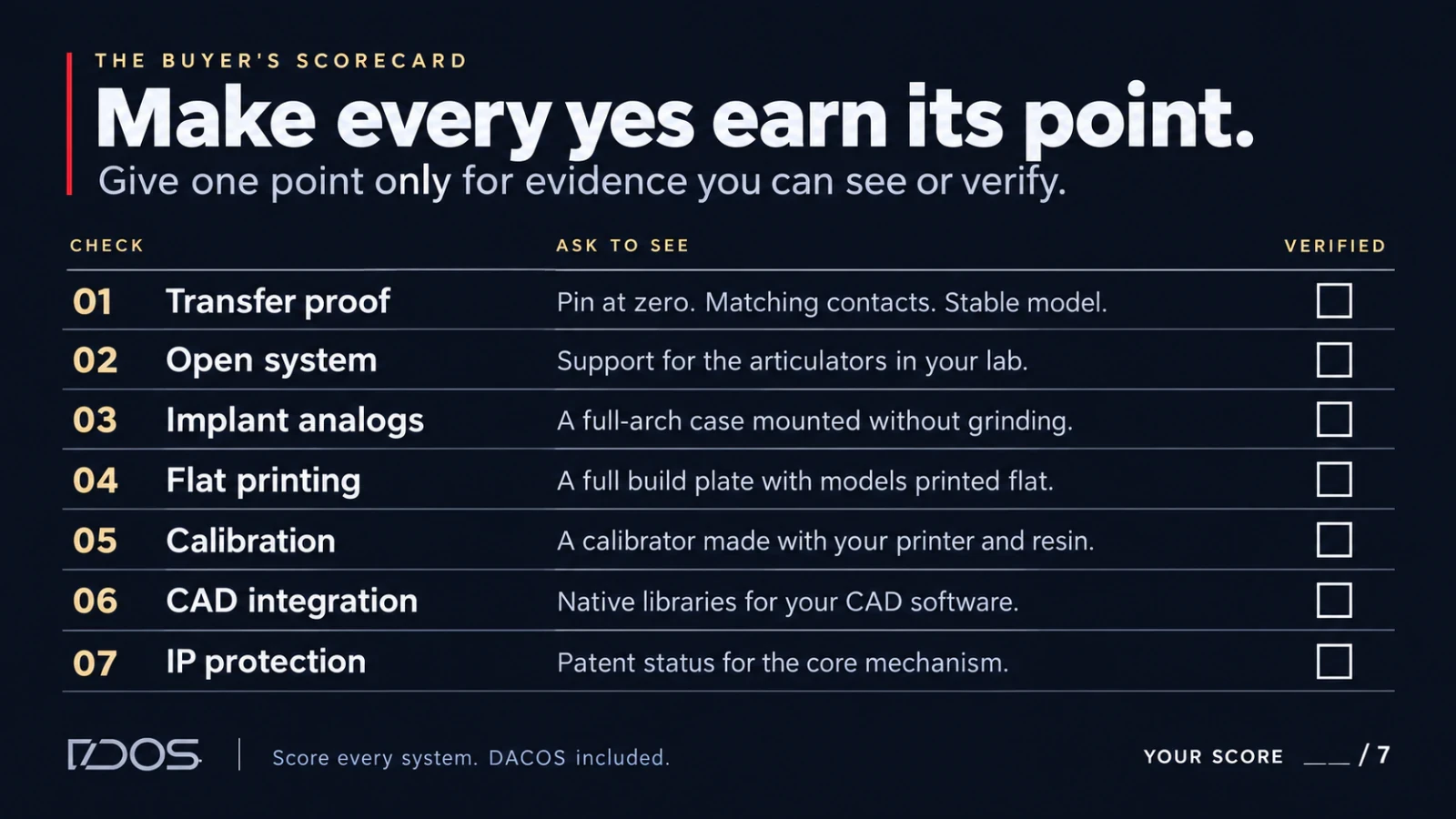
The scorecard
Score every system you're considering, ours included. Give one point only for a yes you can see or verify, never for a yes you're asked to believe.
# | Question | Ask to see |
|---|---|---|
1 | Transfer proof | Pin to zero, CAD contacts matched on the articulator, a stable model, printed on your equipment |
2 | Open system | Support for every articulator brand in your lab |
3 | Implant analogs | A full-arch case with analogs, mounted without grinding |
4 | Flat printing | A full build plate, models printed flat |
5 | Calibration | A calibration step that uses your printer and your resin |
6 | CAD integration | Native libraries for the software you design in |
7 | IP protection | Patent pending or granted on the core mechanism |
DACOS Omni scores seven out of seven, and we'll show you each one. Take this list to your next trade show or sales call. The system you choose will sit on your bench every day for years, so make it earn the place.
Next step
See the full protocol: ZeroDrift™ Transfer, the complete protocol →
Watch the transfer on a real case: Watch a demo →
⚡ International patent pending.