Why a factory reference can’t know your lab
Every printer and resin combination has a dimensional signature. Layer height, exposure time, resin shrinkage, post-curing protocol, build plate flatness: each one moves the printed geometry a little, and the combination on your bench is unique. Print the same STL in two labs and you get two slightly different models.
You can’t feel that offset the way you feel a high contact. It’s invisible, it depends on parameters, and it changes when you change resin.
A reference made in a factory knows none of this. It was built under the factory’s conditions: their machine, their material, their tolerances. It’s correct there. In your lab, it’s an assumption: that your printer, your resin and your curing produce what the factory expected.
When they don’t, you find out at the articulator. The pin stops short of zero, and the hunt starts: scan, design, print, mount. The fix is manual compensation, repeated every time you switch materials.
A reference that ignores your equipment isn’t calibrating. It’s assuming.
How TrueZero™ works
TrueZero™ reverses the logic. Instead of shipping you a reference, it gives you the files to build one, on the same equipment that prints your patient models.
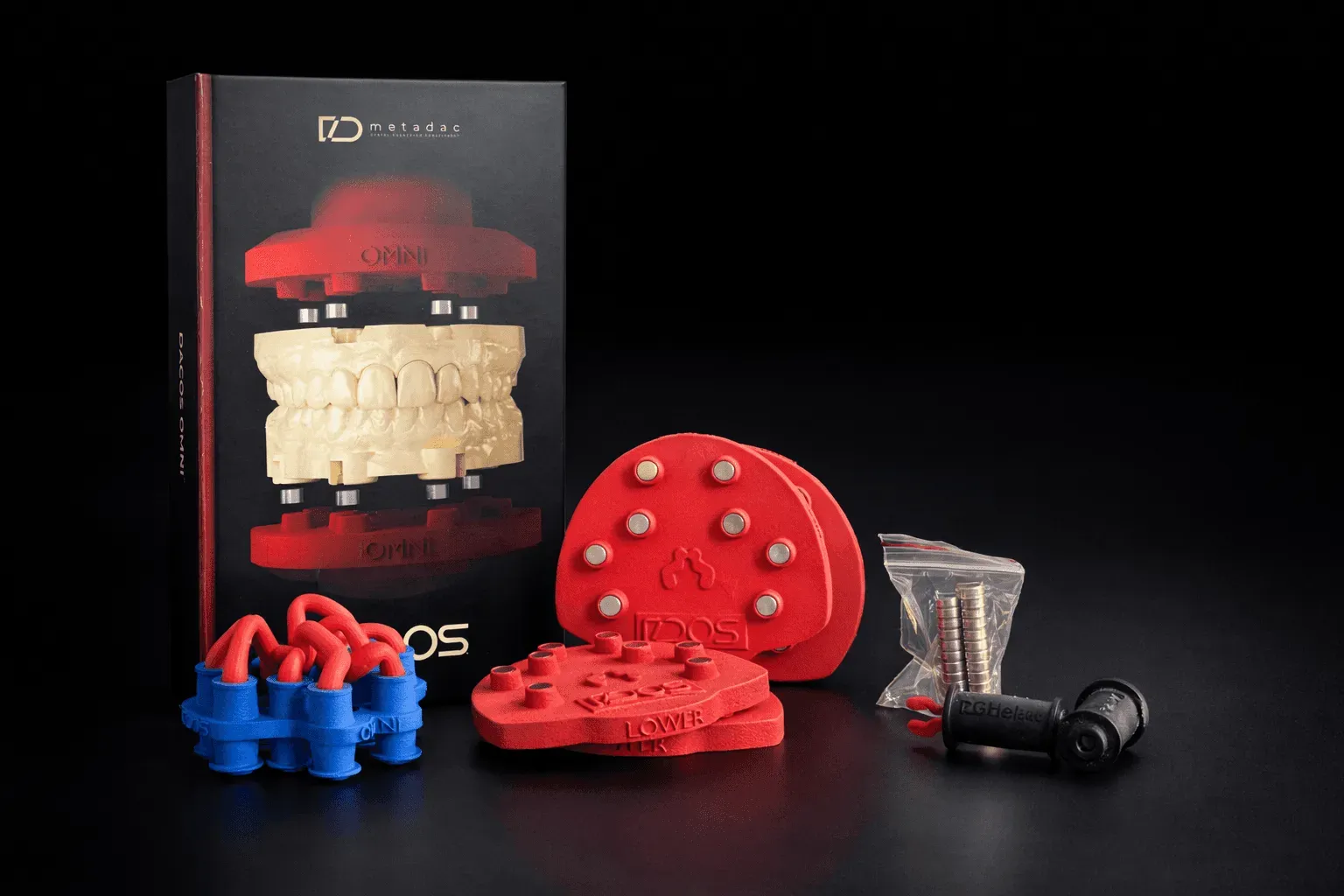
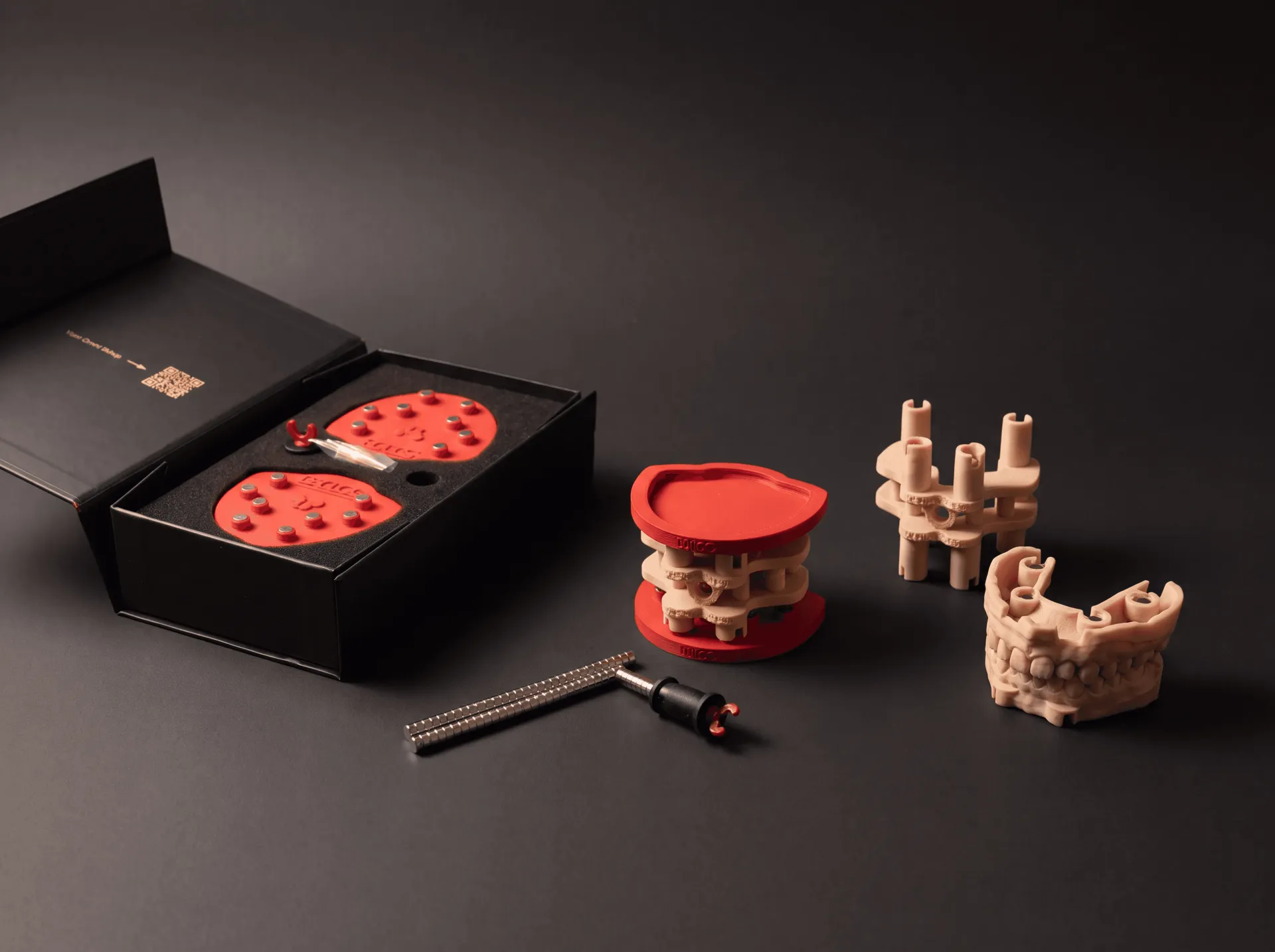
1. Print the calibrator. First a small fitting test shows which of the three offsets, Tight, Standard or Loose, your printer and resin need. Then you print the upper and lower halves of the calibrator in that offset, from the supplied files. Same printer, same resin, same layer height, same post-curing as your patient models. Whatever offset your setup produces is now built into the calibrator itself.
2. Fit it on the articulator. Seat the plates, then fit the calibrator halves onto the platforms. Together they set the inter-arch distance and position defined in CAD.
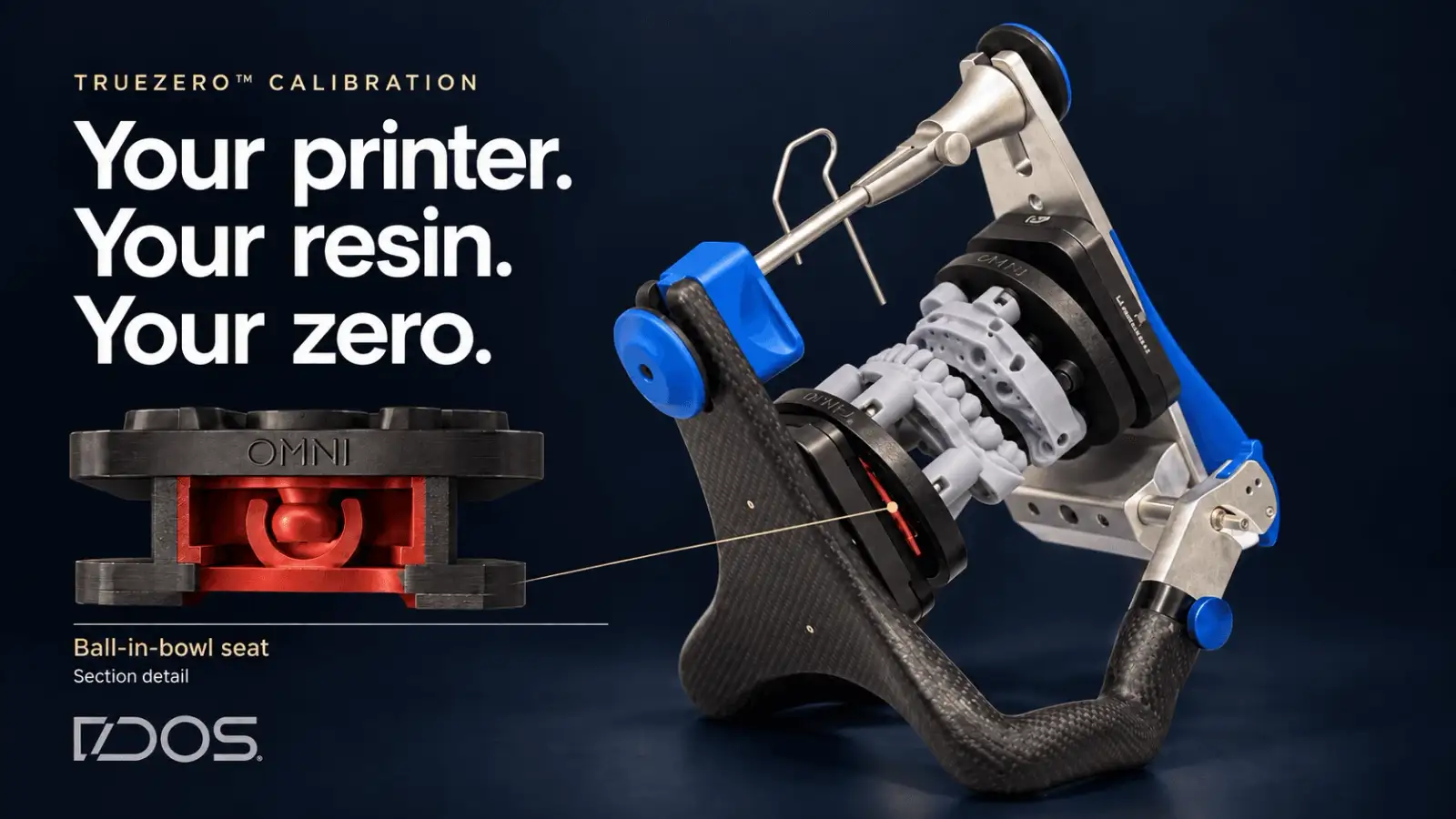
3. Let the seat follow. The lower platform rides on a ball in bowl kinematic seat with up to 20° of angular freedom in every direction. It doesn’t force the calibrator into place: it follows it, pivoting until the platform sits where the calibrator puts it. No forced alignment, no stress stored in the assembly.
4. Lock it. Lock the seat with plaster, silicone or UV-cured resin, or with the set screw. Remove the calibrator. The plates now hold a reference produced by your own machine.
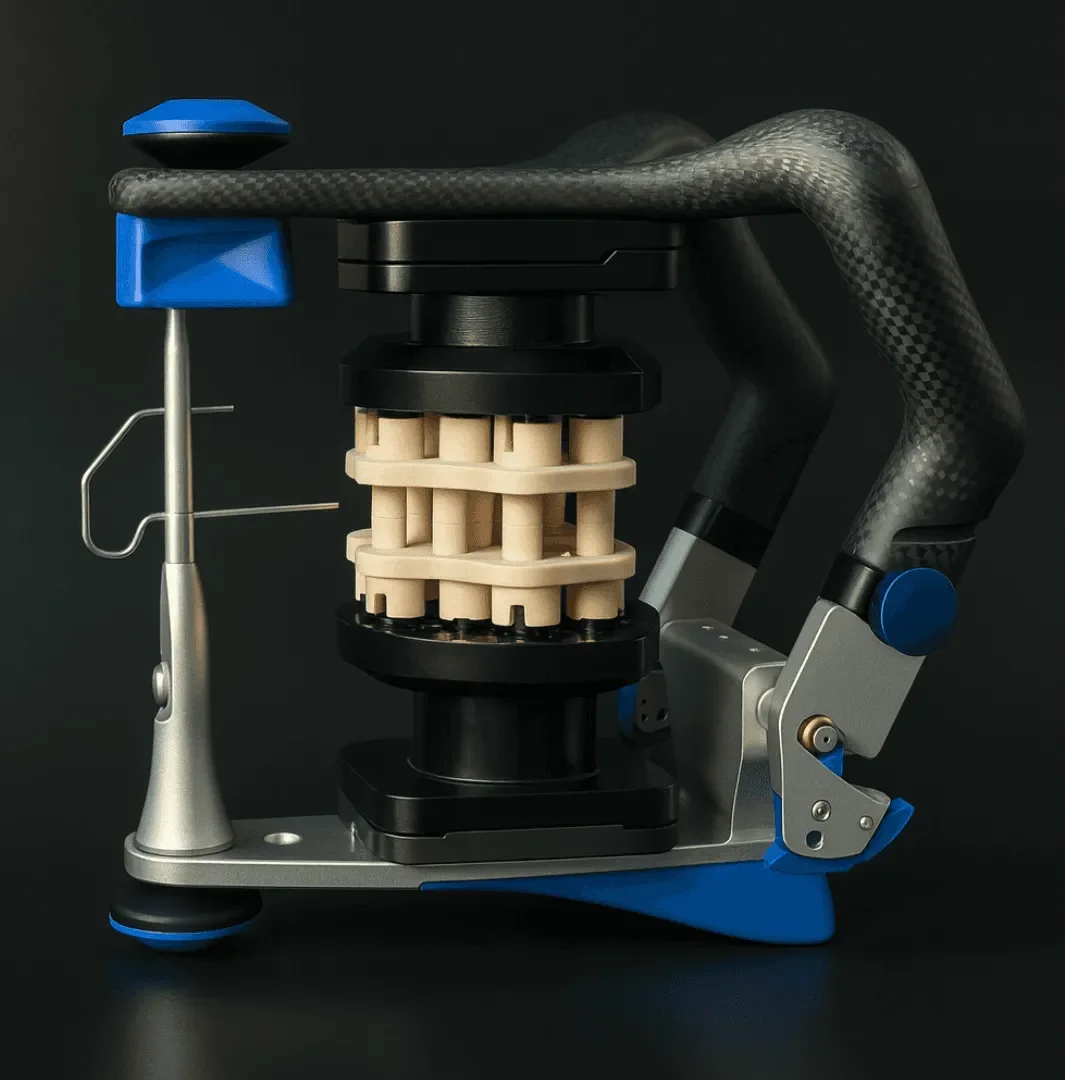
That’s your zero. Not the factory’s.
The logic is straightforward: any error your printer makes consistently is present in both the calibrator and the patient model. Same machine, same parameters, so the offset cancels out instead of stacking up. That’s what lets the pin close to zero on the first mount.
Consistent offsets of your equipment
- Printer Z offset
- Resin shrinkage
- Post-curing
- Articulator mounting offsets
One reference
The TrueZero™ calibrator, printed on your printer with your resin and locked on your articulator
Calibration happens at setup, not on every case. The offset you chose with the fitting test is the same in the calibrator, in the CAD attachment library and in the plate library, and every model after that mounts on the same reference.
Change resin or printer? A new resin with different behaviour means a new fitting test. A new printer means a new calibrator, which you print and lock again yourself. No factory intervention, no shims to order, no waiting for a shipment.
One honest limit. Calibration compensates an error your printer makes consistently. If a printer drifts from one job to the next, no calibration system can fix that: it’s a printer problem, not a transfer problem. What TrueZero™ does is take the transfer off your suspect list, so when something is off, you know where not to look.
What makes this different
A system that ships a fixed reference makes two assumptions: that your printer matches the one that made the reference, and that your articulator is accurate.
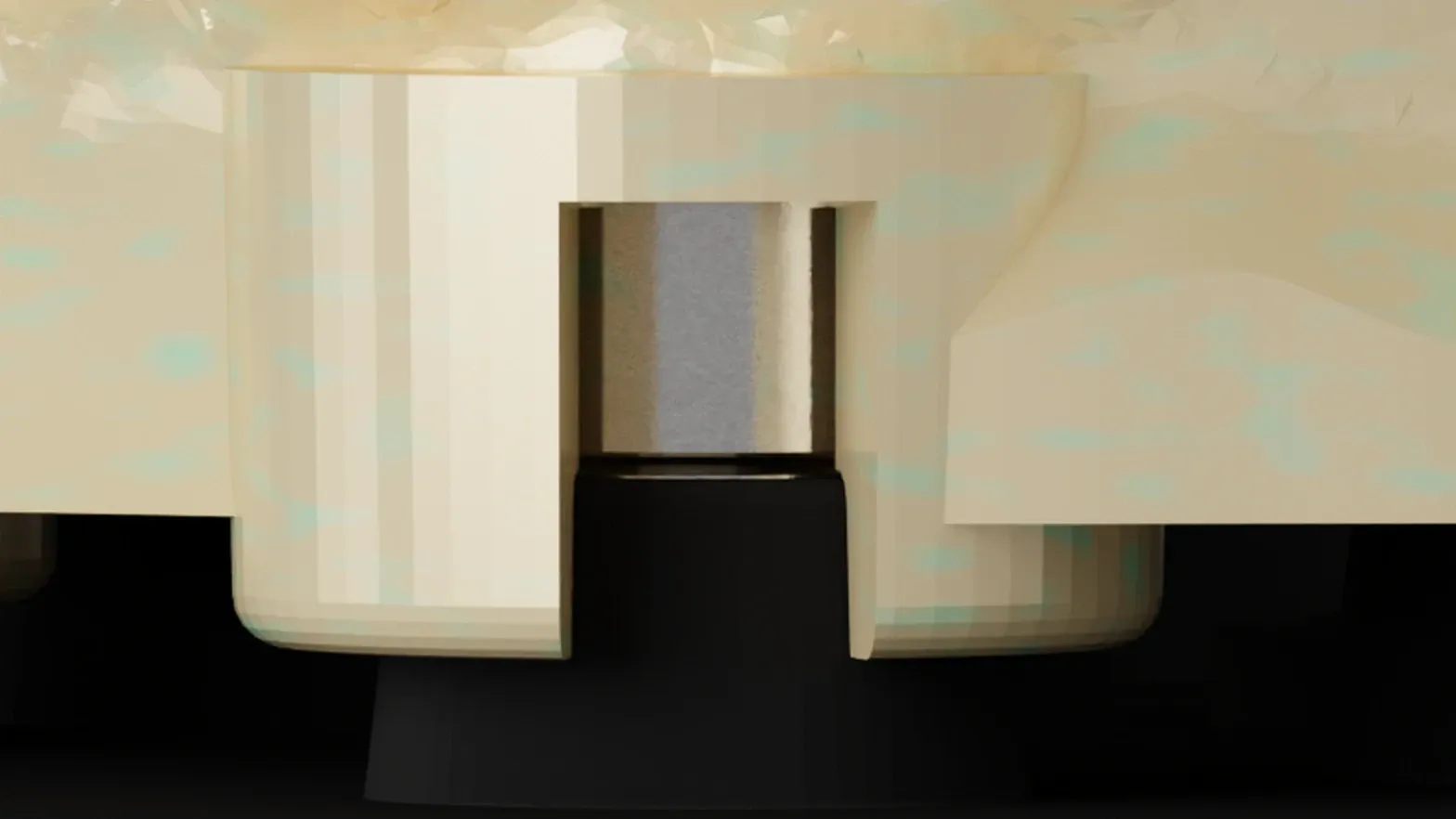
The second one gets less attention. Articulators have mechanical tolerances: plate seating, flange alignment, platform flatness. Those stack on top of any transfer error, and a system that ignores them inherits them.
TrueZero™ sets the zero on your articulator, with the calibrator your printer made. The static offsets of the instrument on your bench are absorbed into the reference instead of added to the error chain.
A fixed reference assumes. TrueZero™ calibrates.
Patent Pending
TrueZero™ is not a setting or a workaround. It’s an engineered method: the calibrator you print and the kinematic seat were designed to work together, and copying one without the other doesn’t produce the same result.
Patent Pending. The DACOS Omni system, including its adapter plates, calibration method, attachment geometry and magnet placement tools, is protected by a pending international patent application.
Your printer, your zero
Your printer has its own signature. TrueZero™ makes it part of the reference instead of a source of drift.
Start the full ZeroDrift™ setup. The whole protocol: Introducing ZeroDrift™ Transfer: From CAD to Articulator. The geometry the calibrator works with: ShieldBase™: Geometry Designed for 3D Printing.
DACOS Omni with ZeroDrift™ Transfer: from CAD to articulator, losing nothing.