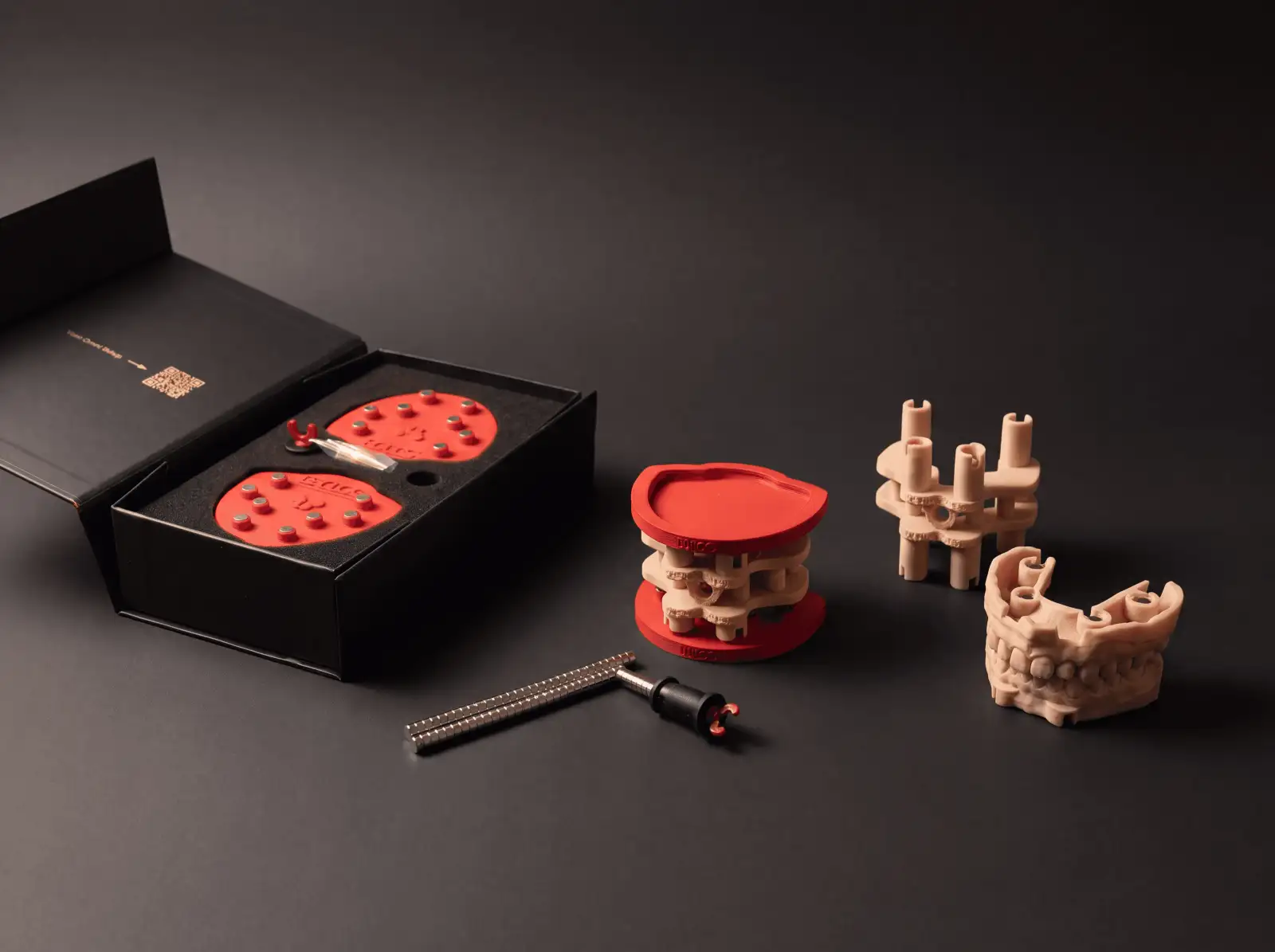
You’ve opened the box. Plates, a set of magnets, the Omni GlueJet™ placement tool and access to the CAD libraries. By the end of this guide your first model is docked on a calibrated articulator. Most of the time is print time. Every case after that: minutes at the bench.
Here’s the whole protocol, start to finish.
Step 1: Install the plates
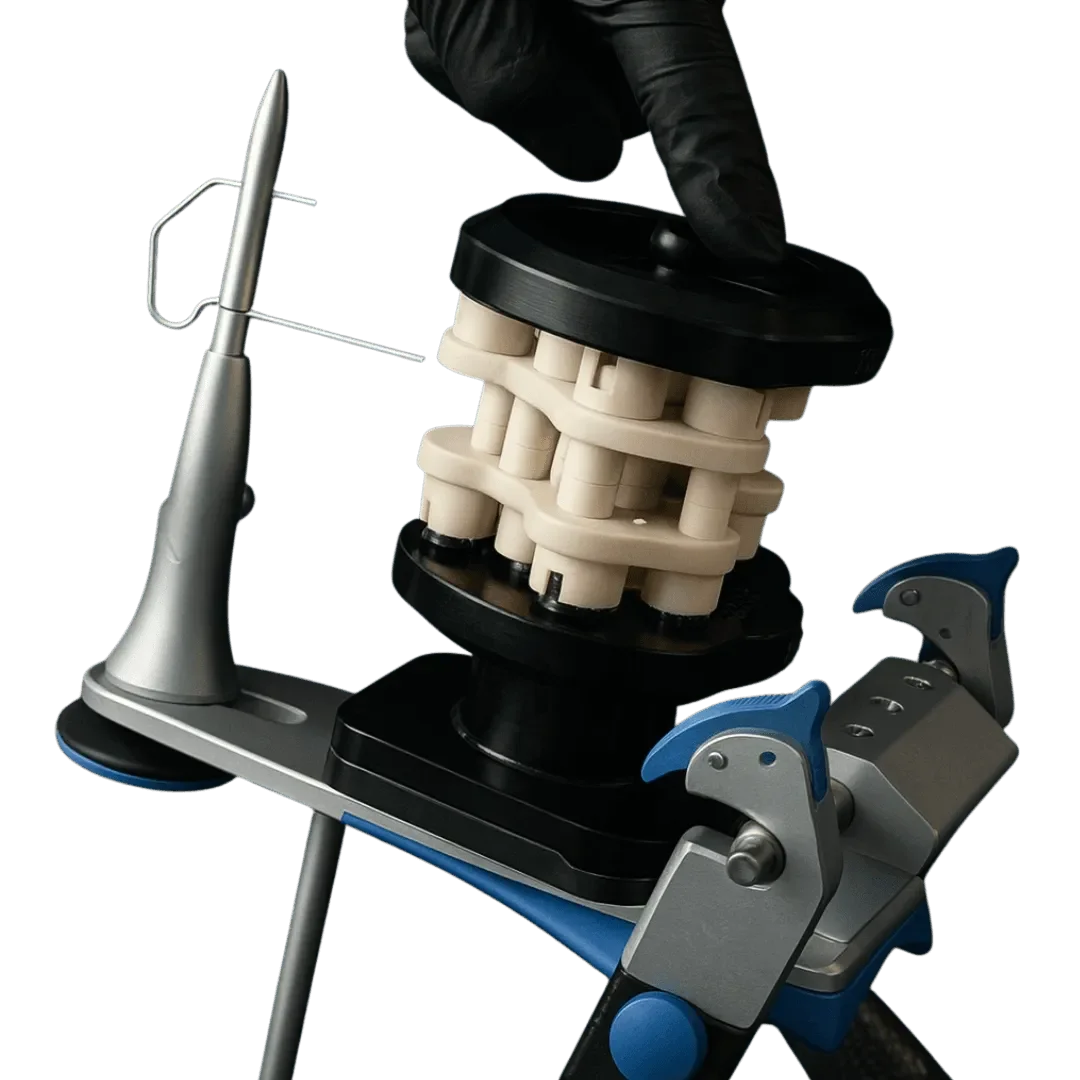
Direct plates (Artex, ASA Dental, SAM) mount on the articulator’s split-cast interface. The upper plate is ready as it is; the lower plate is locked in place during calibration. Flex plates fit any articulator with a mounting plate and are fixed with plaster during calibration.
Step 2: Run the fitting test
Before the full calibrator, print the small fitting test on your printer, with your resin, at your settings: the same ones you’ll use for patient models. Seat each offset on the plate and keep the one that fits. Skipping this step is the most common cause of a failed first installation.
Step 3: Print the calibrator
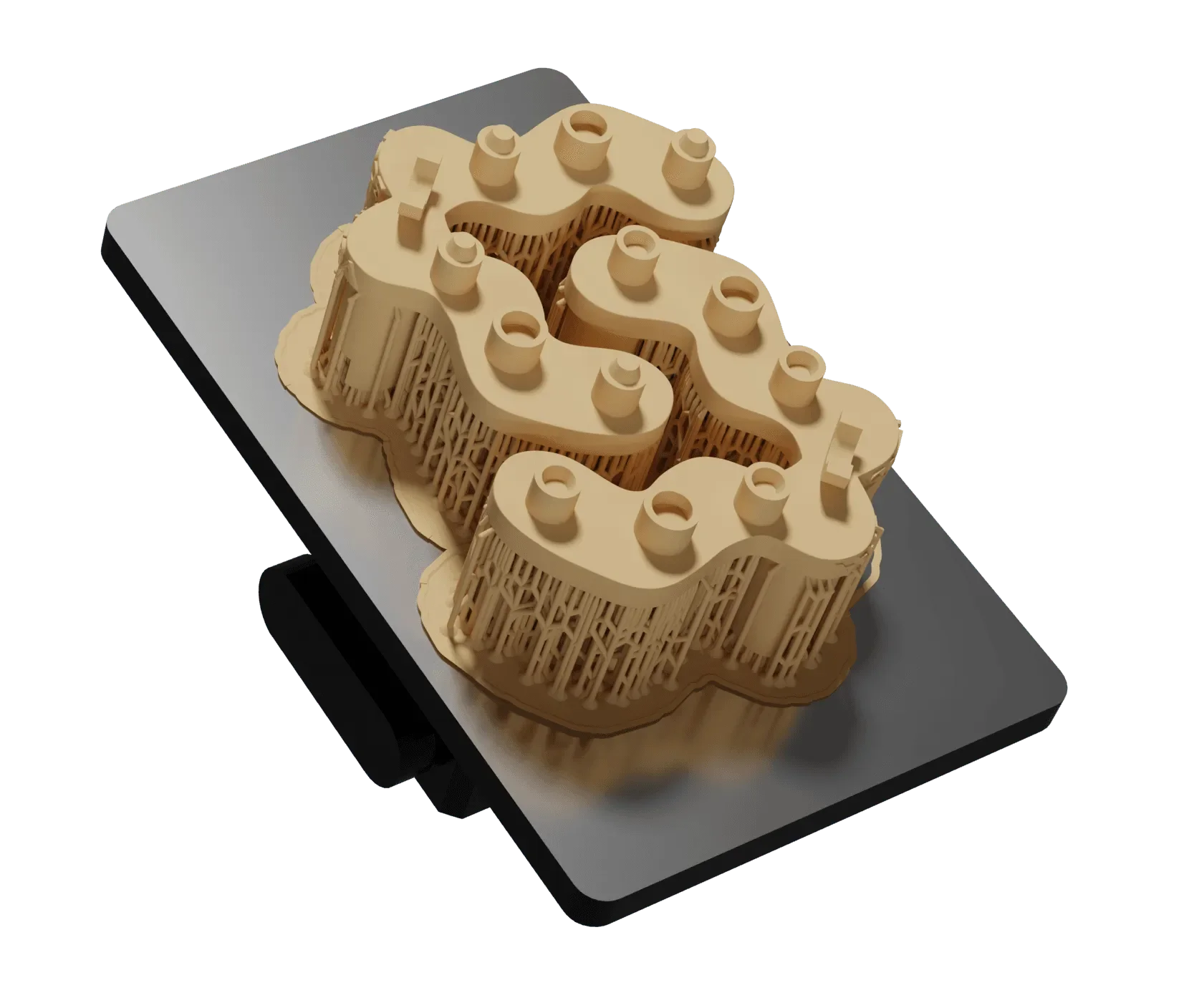
Print both calibrator halves with the offset you chose, on the same printer, with the same resin and settings. Wash and post-cure them the way you will for your models.
Step 4: Calibrate with TrueZero™
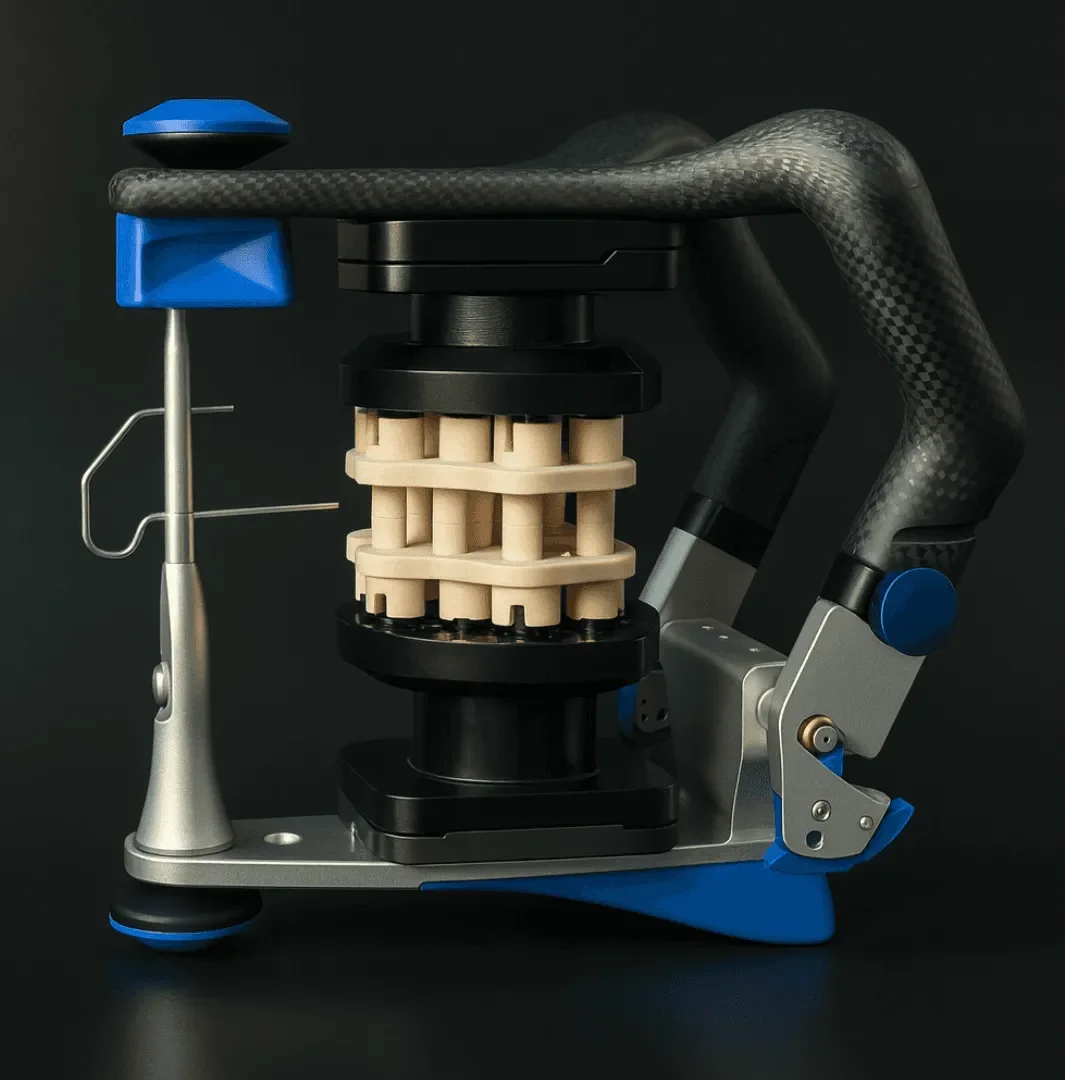
Seat the assembled calibrator between the plates and close the articulator. The lower plate rests on the calibrator and is locked in that position with plaster or hard silicone.
Your articulator is now calibrated to your own equipment. No factory shims. No guesswork.
Step 5: Configure in CAD
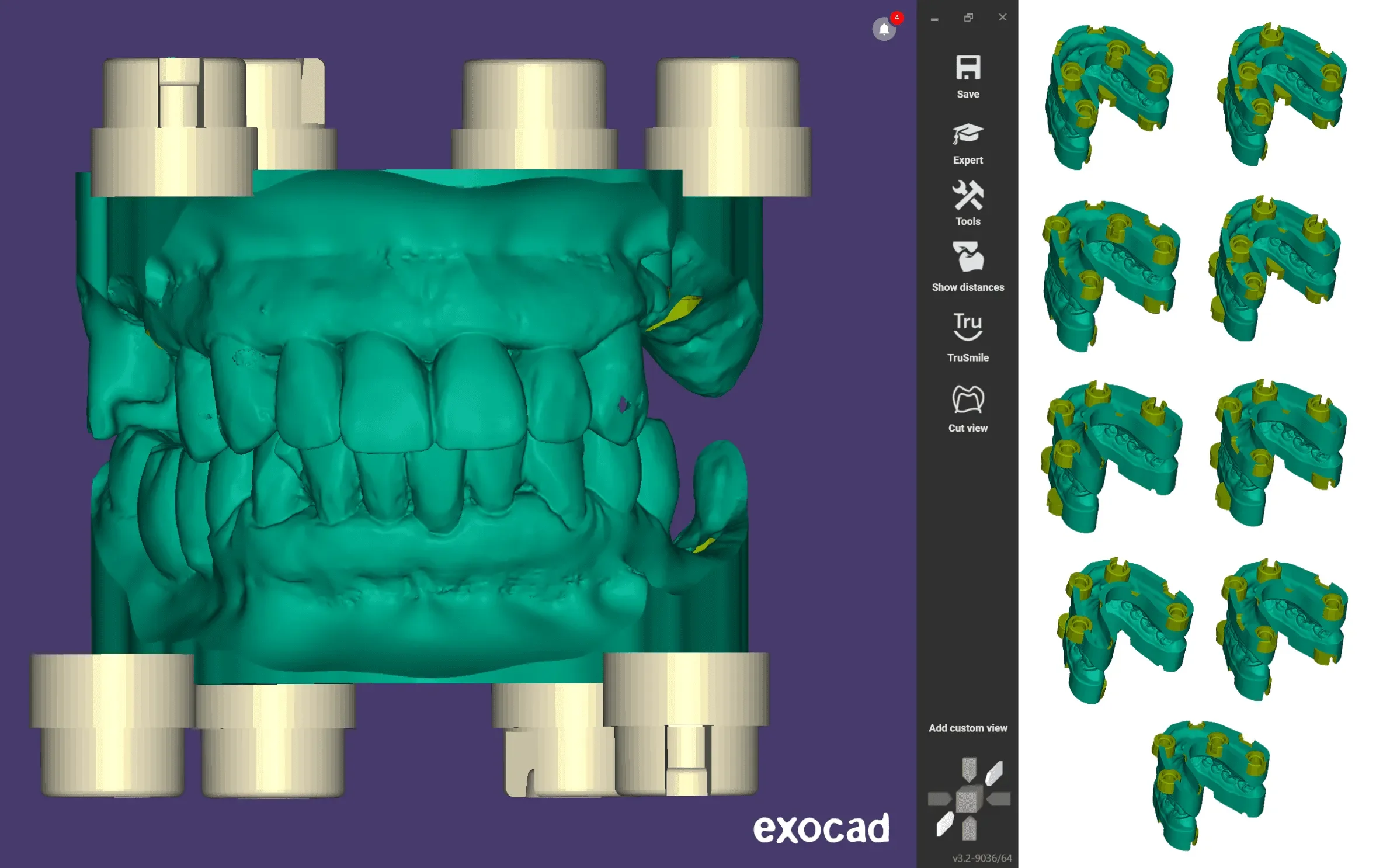
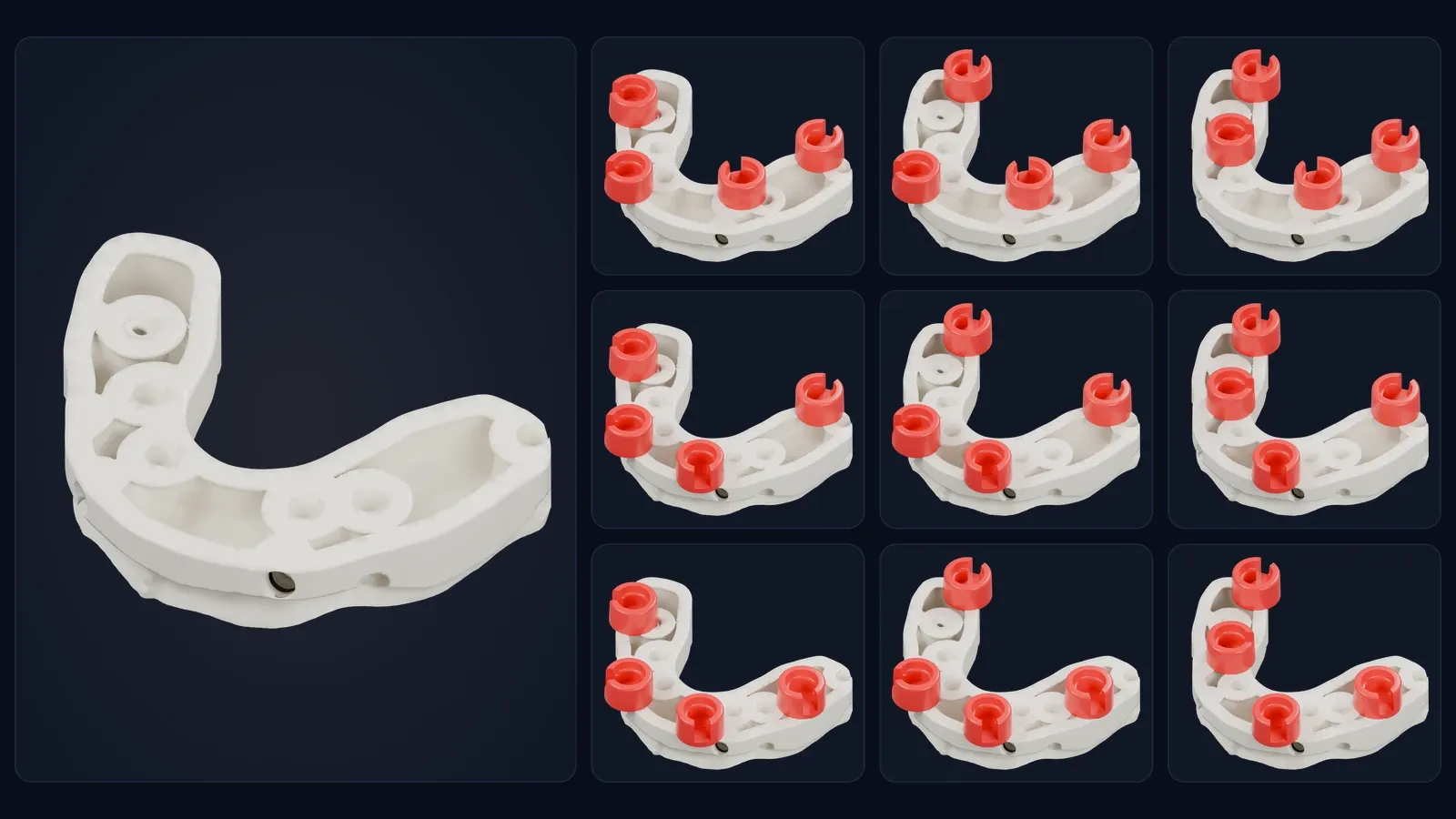
Open the DACOS library inside exocad, 3Shape or Blender for Dental and load your model. Select the DockingMatrix™ combination that clears your dies and implant analogs: there are nine to choose from.
Step 6: Print flat
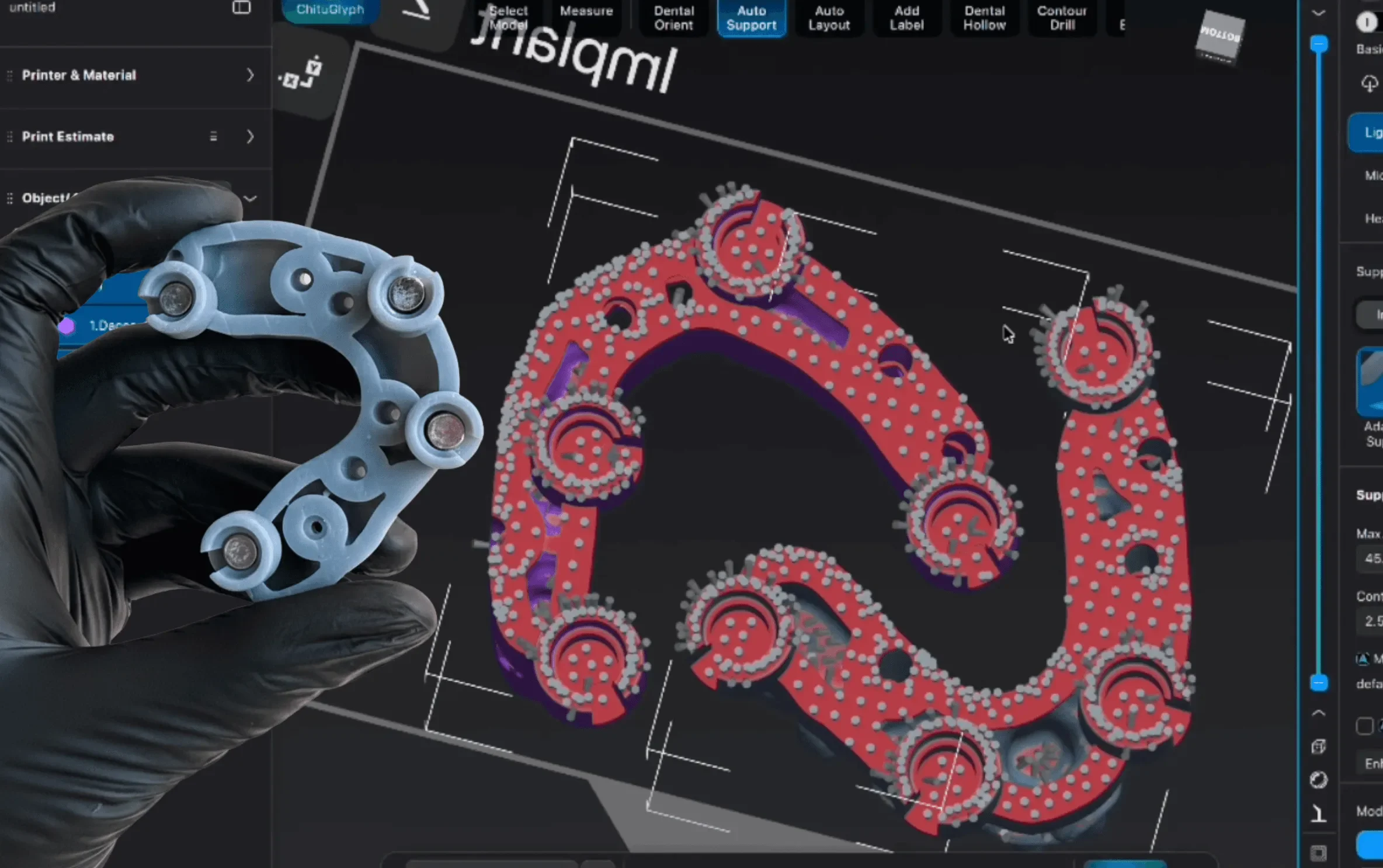
ShieldBase™ geometry prints flat, with supports under the base and none on the seating step: no 45° tilt, no compromised occlusal surfaces, more models per build.
Step 7: Place the magnets
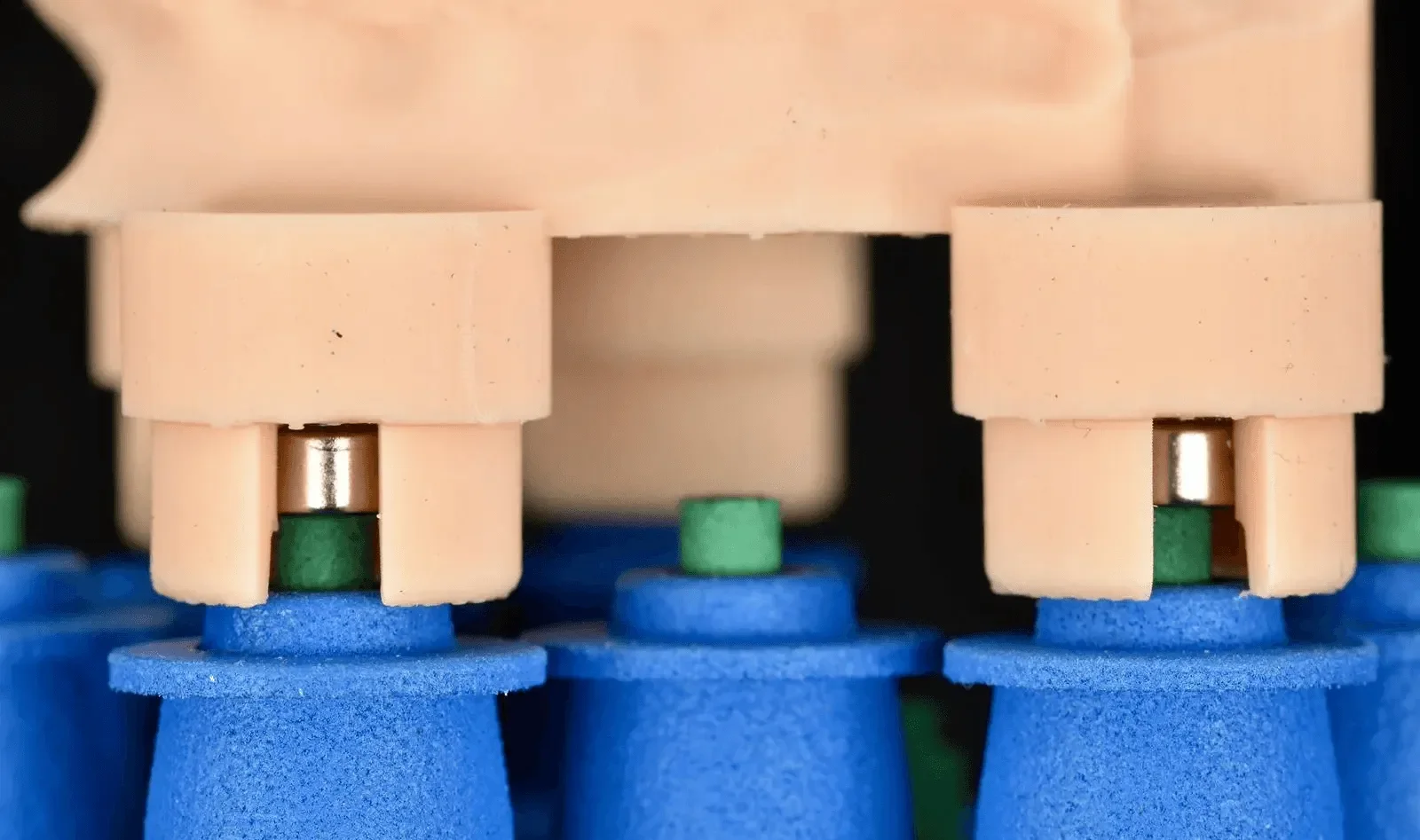
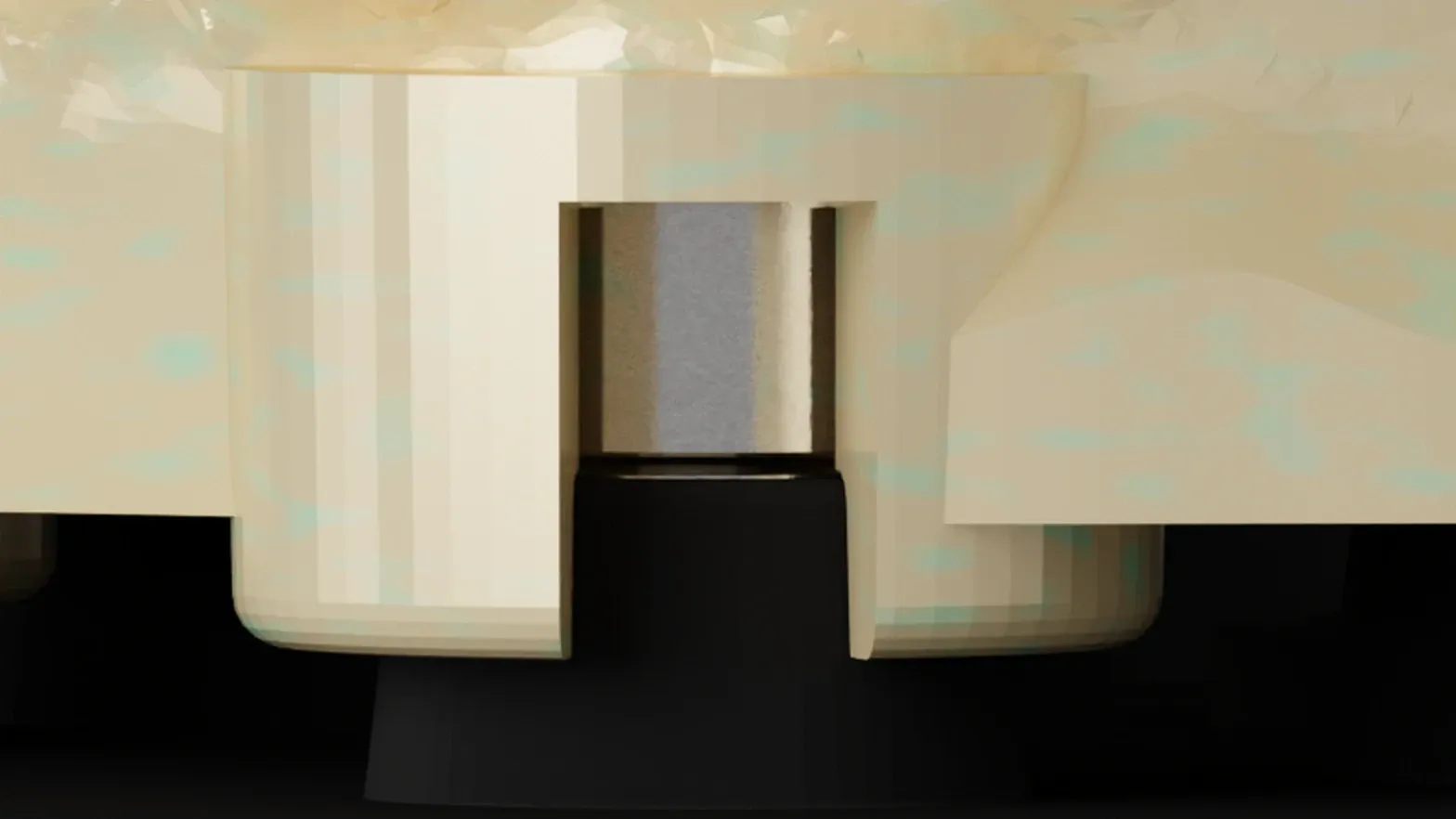
Put a small drop of cyanoacrylate at the bottom of the seat, insert the Omni GlueJet™ loaded with a magnet and release it: the tool sets the magnet at the correct depth and polarity. Cure, then repeat for each seat.
Step 8: Dock the model
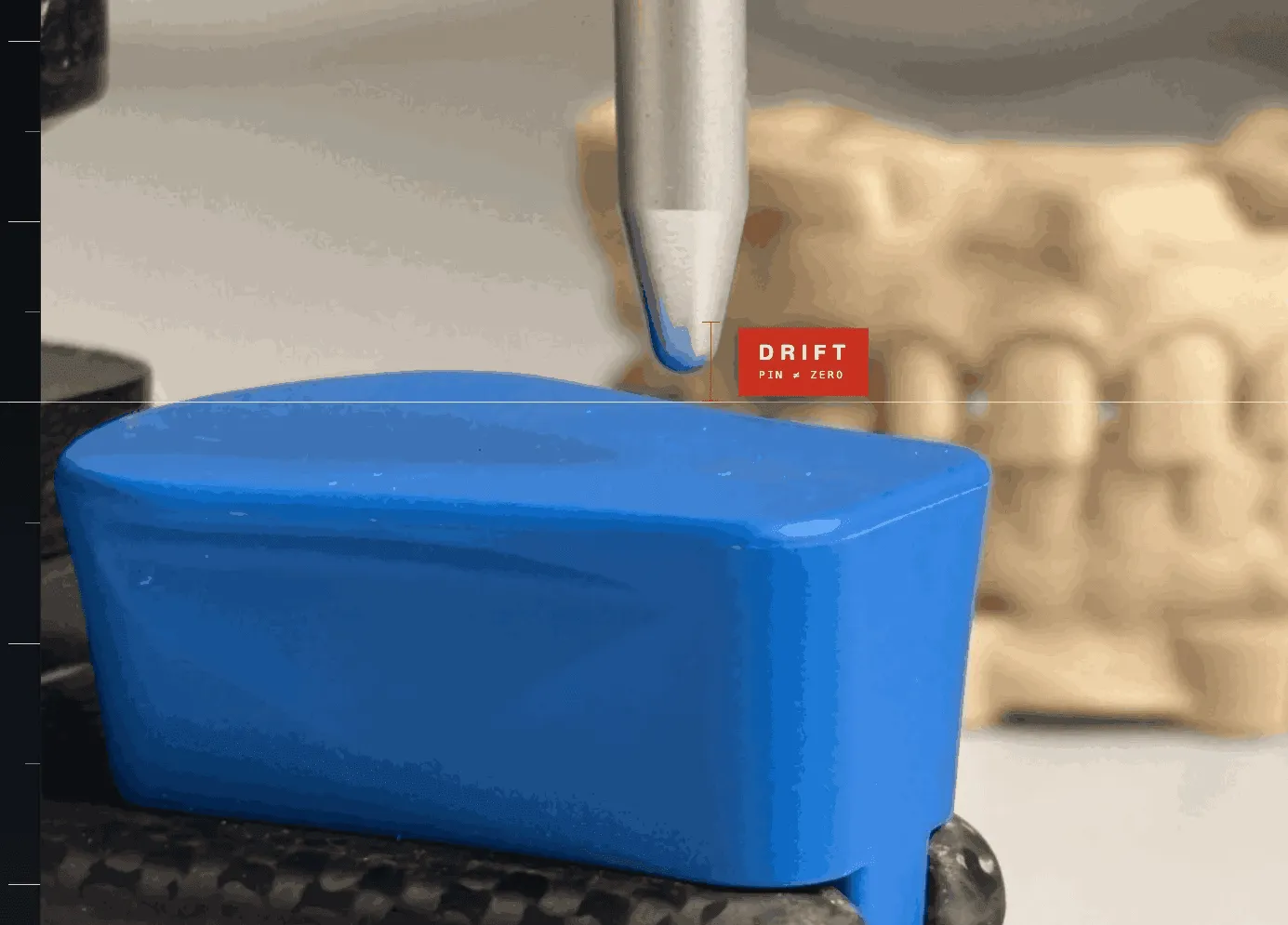
Lower the model onto the plate: the magnets pull it into position, the pin returns to zero, and the contacts you designed are the contacts you verify.
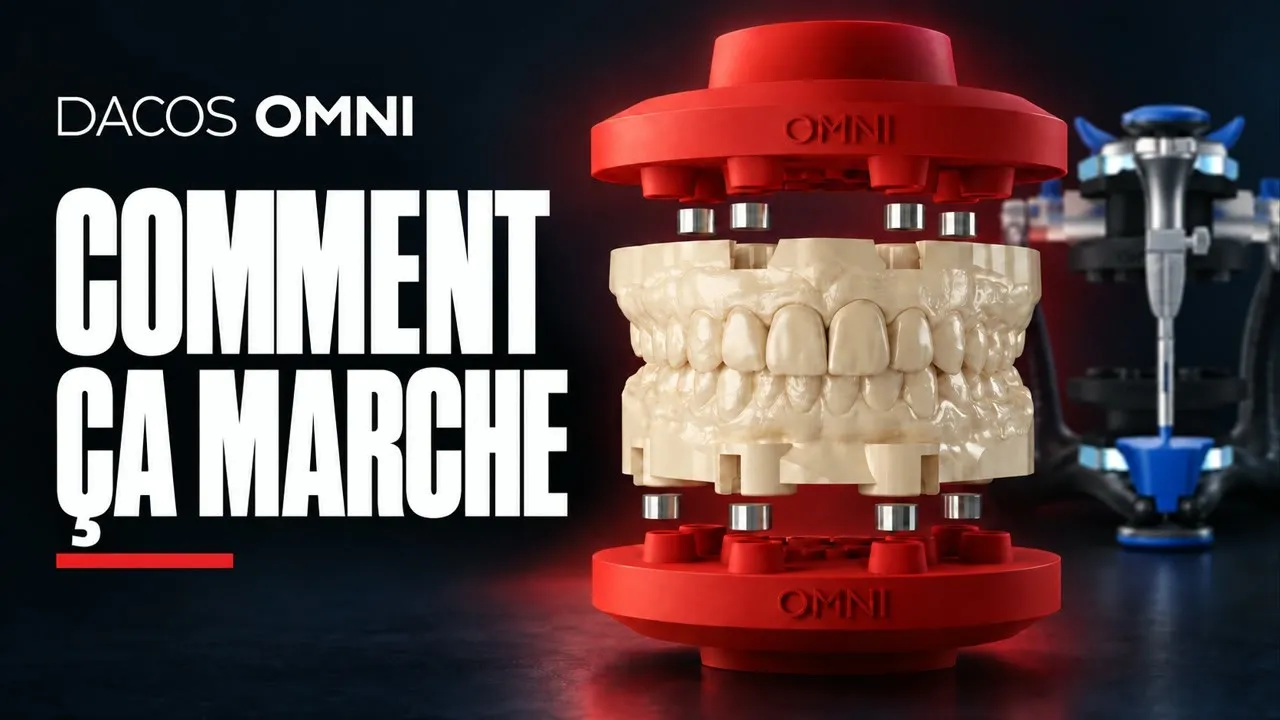
Watch the whole workflow
That’s the protocol
From sealed box to your first mounted model, most of the time is print time. Every case after that: minutes at the bench.
What you’ve actually built isn’t a faster mounting workflow. It’s a transfer step calibrated to your own printer, your own resin and your own articulator. The variables that used to make you wonder why don’t the contacts match? are accounted for before you ever mount a patient case.
That’s ZeroDrift™ Transfer. The transfer stops being a question you have to ask.
Want to understand why each component works the way it does? Read the ZeroDrift™ Transfer protocol
Patent Pending. The DACOS Omni system, including its adapter plates, calibration method, attachment geometry and magnet placement tools, is protected by a pending international patent application.