The problem with one configuration
Most magnetic mounting systems give you one arrangement. One base footprint. One magnet layout. Take it or leave it.
On a single-unit case with no analogs, that can work. The magnets engage, the model seats on the articulator. No complaints.
But the moment implant analogs protrude from the underside of your model base, the equation changes. The base geometry your system locks you into now intersects the analog. The base itself becomes the problem: it occupies the space where your analog needs to be.
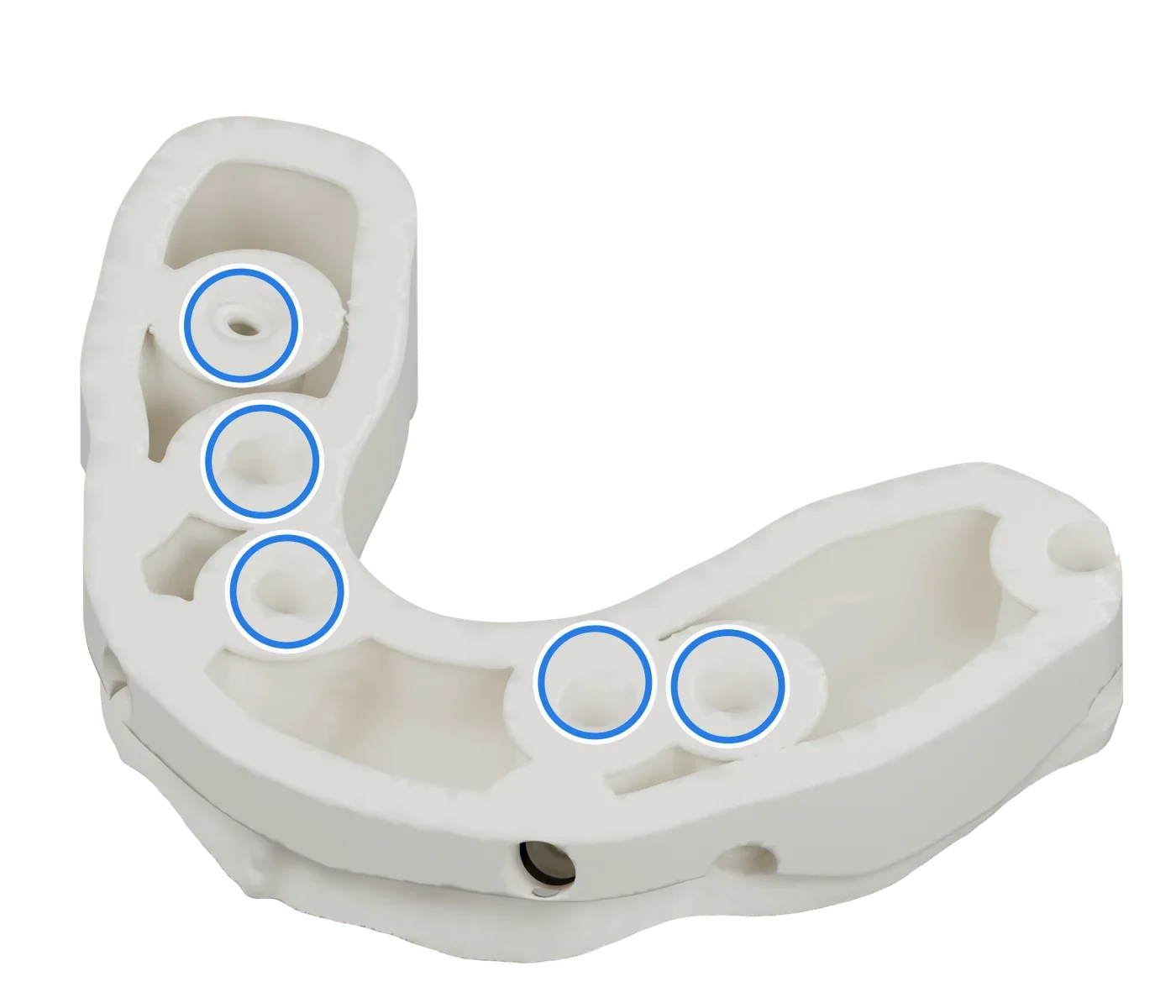
This is not a rare edge case. Implant-supported restorations are among the highest-value cases a lab takes on. Full-arch. Overdenture with a bar. Hybrid prosthesis. They all have analogs that protrude below the model base.
So what are the usual workarounds? Grind the base down and destroy your reference surface. Reposition the analog and compromise the fit. Accept the interference and compromise the transfer. Or abandon the magnetic system and go back to plaster, the very thing you went digital to avoid.
None of these is acceptable. On a full-arch implant case, “workaround” is just another word for “risk”.
How DockingMatrix™ works
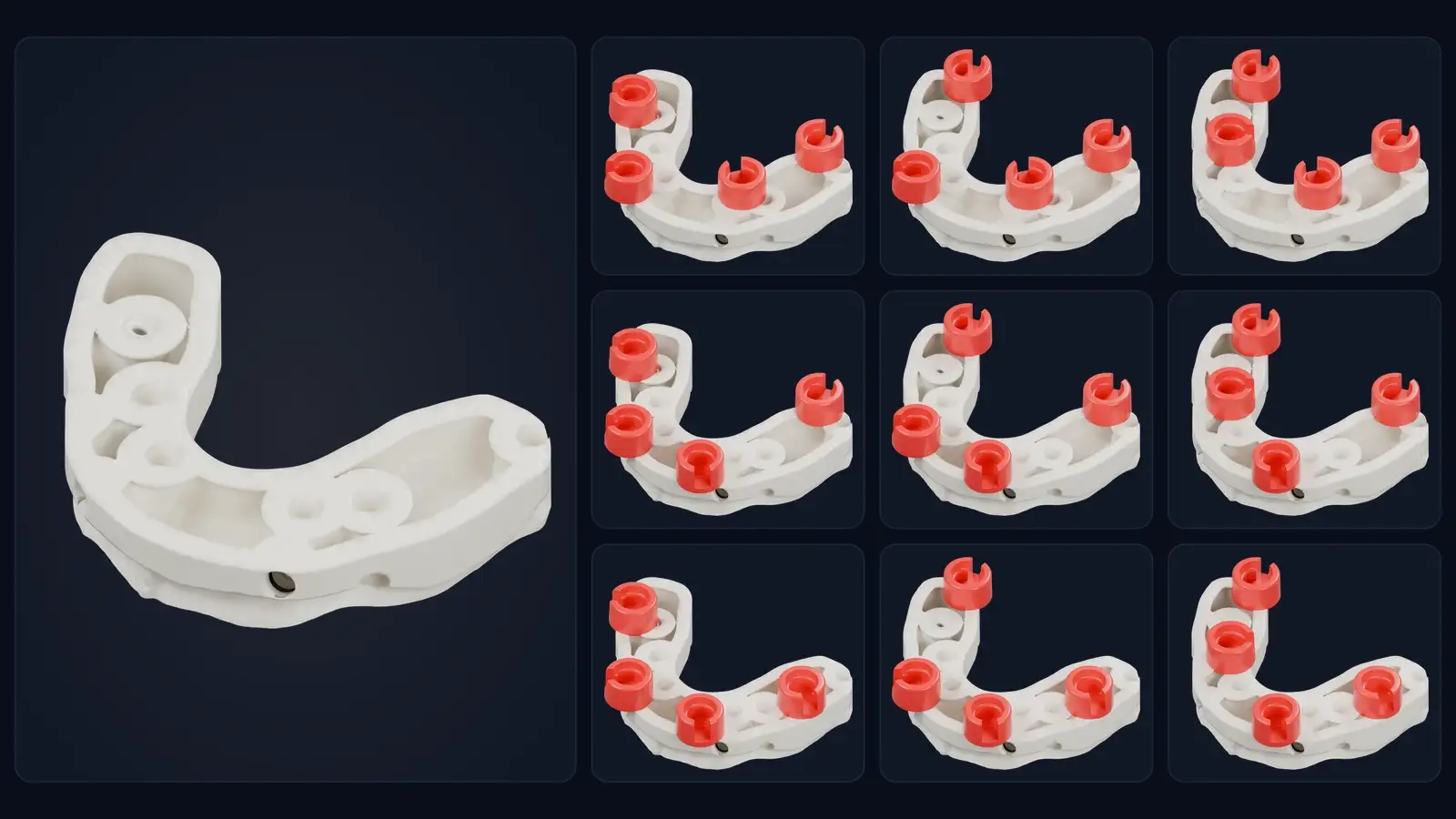
DockingMatrix™ starts from a different principle: instead of forcing every case into one layout, it gives you nine.
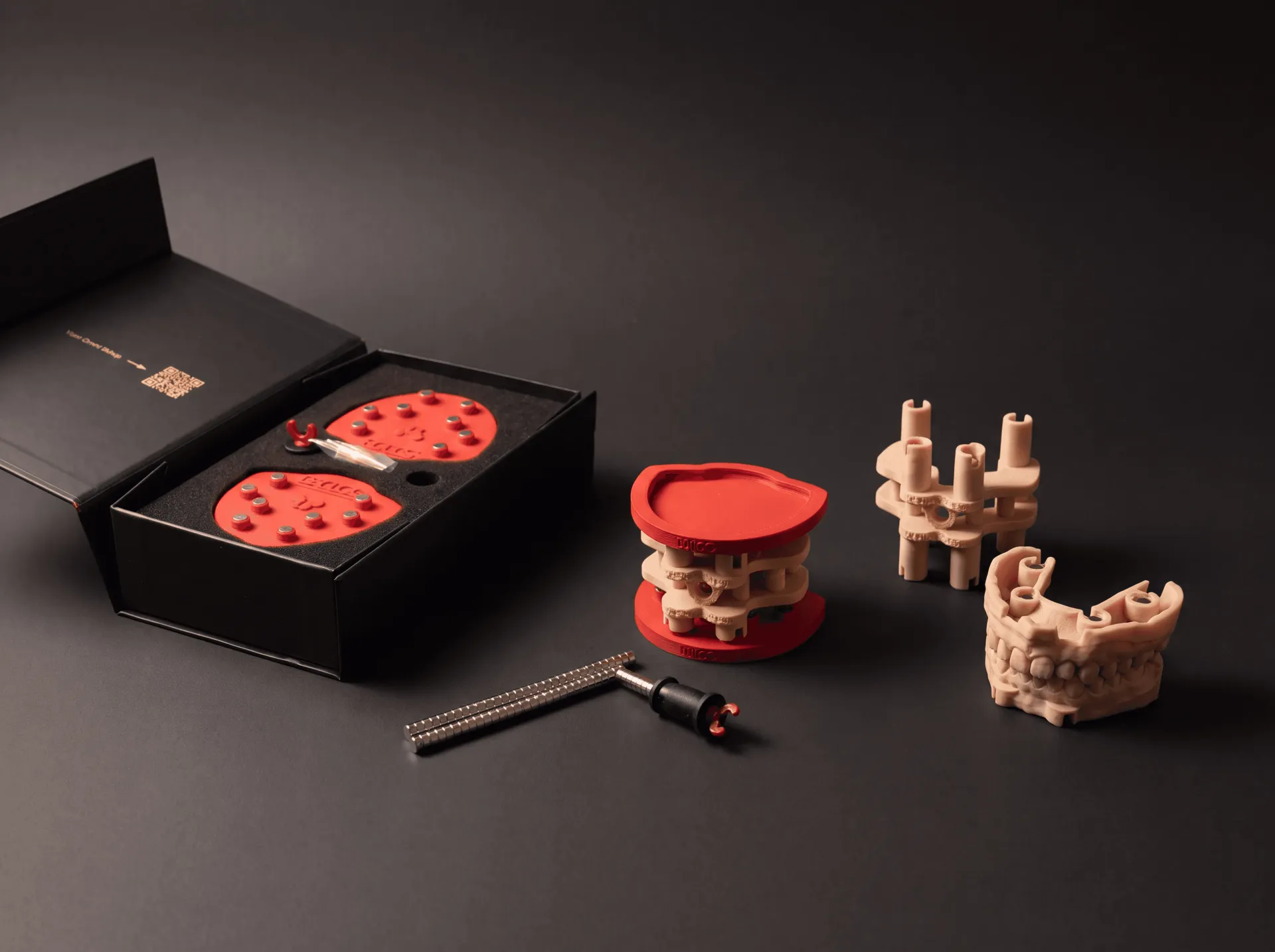
The DACOS Omni plate carries eight magnet positions. Each model uses four attachments. From one combination to the next the socket layout changes, not the principle. The nine combinations are the same for Light and for Ultra.
The rule fits in two lines:
- No implants, analogs or removable dies: use DAC4-5, the standard combination. Select, import, continue, print.
- With implants, analogs or dies: look at where they sit and choose the combination whose sockets stay clear of them.
You pick the combination in your CAD, with the attachments in the same version as the model: Light with Light, Ultra with Ultra.
- exocad: the nine combinations are in the DACOS libraries for Model Creator. Single attachments never move: you can move the whole combination, in XY only, so the occlusal plane never tilts. With Ultra and analogs, build the model at 40 mm and select Ultra Extended: the attachments are pre-extruded, the magnets stay at the Ultra height and the analogs keep their room.
- 3Shape: the nine combinations are entries of one library file. Each entry reads DACOS, offset, combination and tier, for example DACOS Standard 4-6 Ultra. Never move or rotate the attachment: if a layout meets an analog, choose another combination.
- Blender for Dental: all eight positions load, and you keep, remove or move the attachments your case needs. The nine combinations are a good starting point.
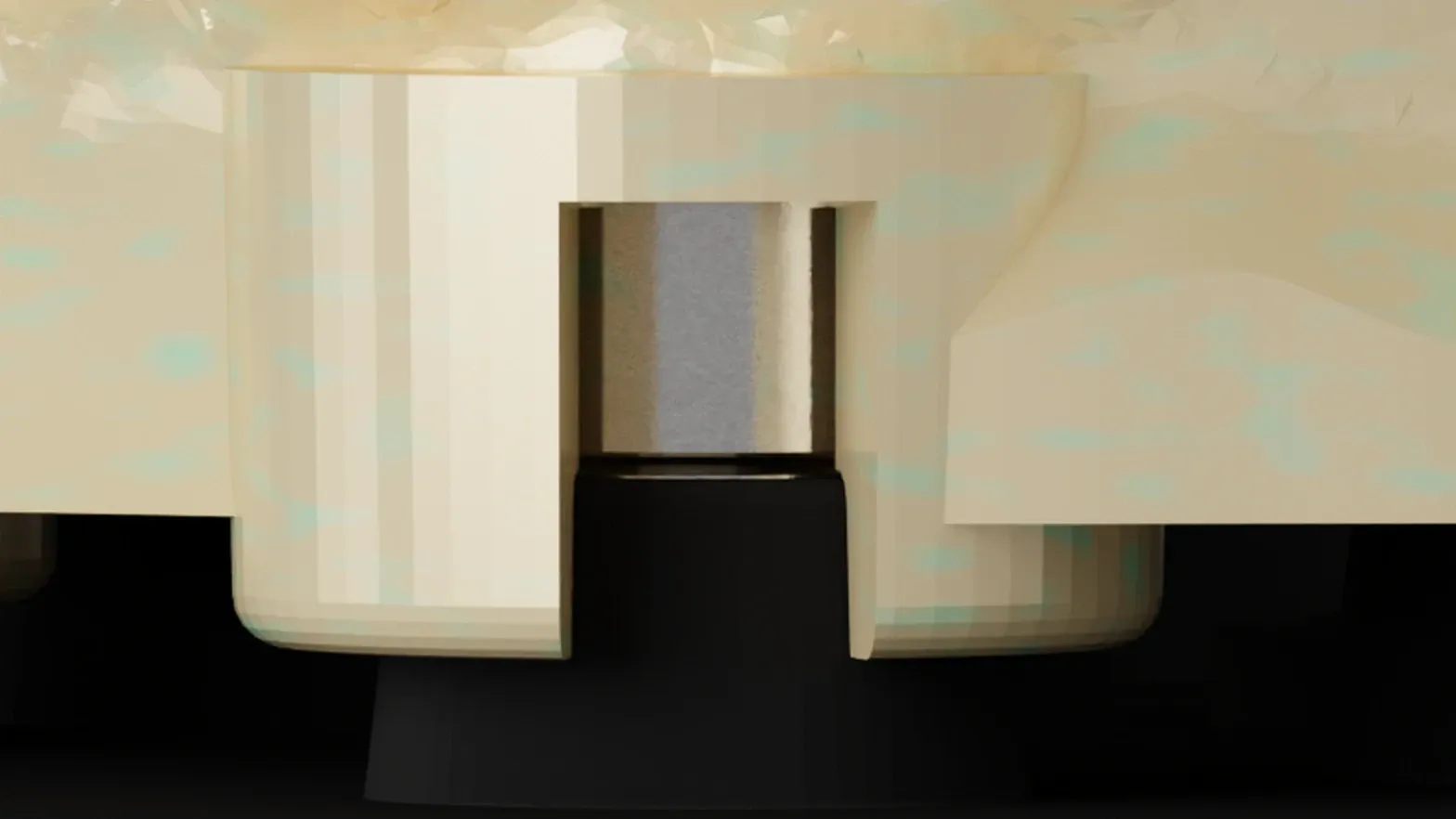
The compact footprint of ShieldBase™ Geometry is what makes this work. Each attachment is small, and only the seating step around the magnet touches the plate. Combine that compact footprint with nine layouts, and analog clearance is handled at the design step, not with a grinder.
That is the difference. Instead of one fixed base that you adapt your case to, DACOS Omni gives you a modular system that adapts to your case.
The nine combinations
All nine use the same four attachments on the eight positions of the plate. Here they are on the model above. Red: the four sockets of the combination. Blue: the implant analogs. A ring hidden behind a socket means that socket stands in front of the analog in this view.
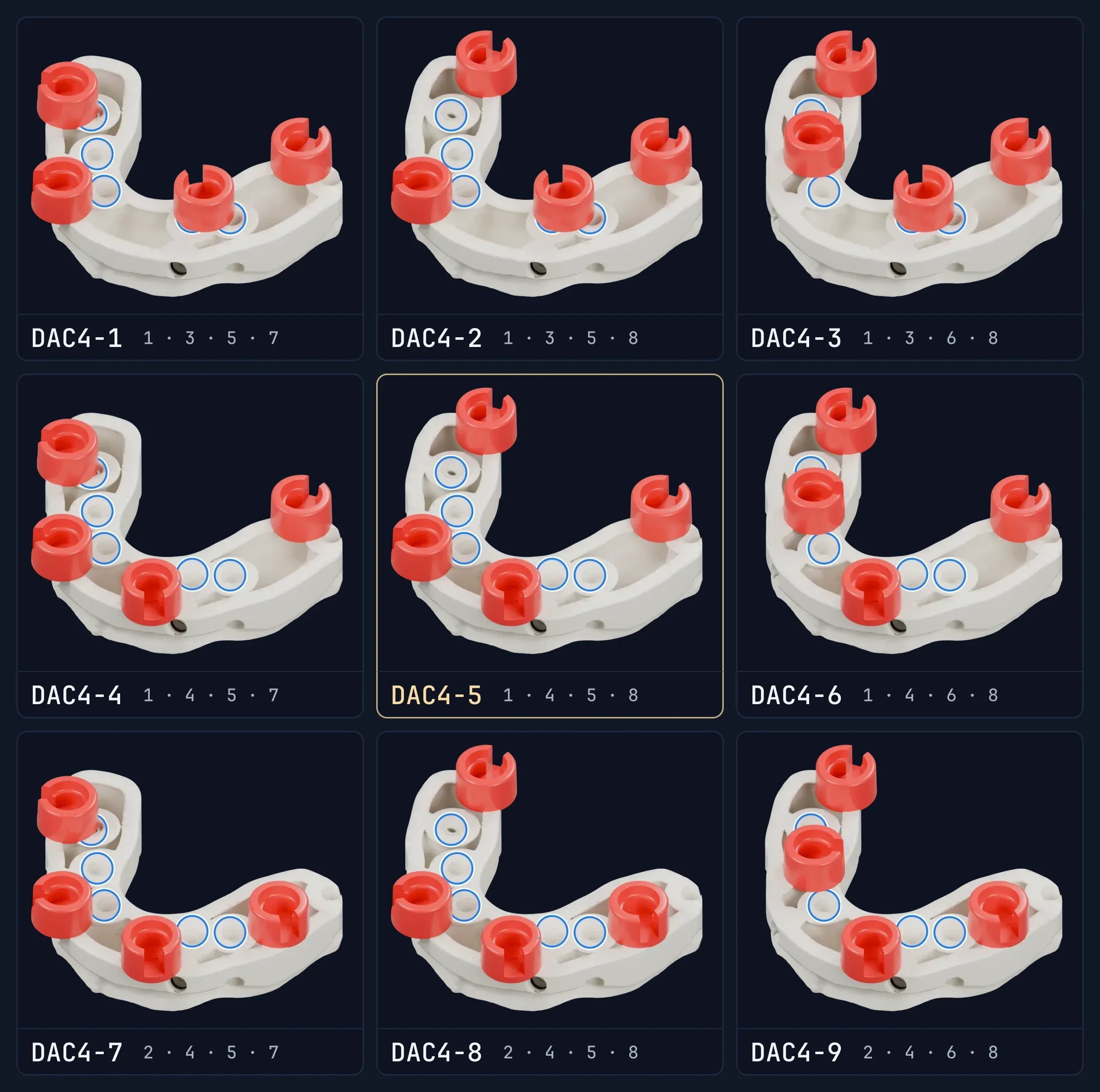
| Combination | Magnet positions | Layout |
|---|---|---|
| DAC4-1 | 1 · 3 · 5 · 7 | Inner diamond |
| DAC4-2 | 1 · 3 · 5 · 8 | Inner trio + outer 8, slightly asymmetric |
| DAC4-3 | 1 · 3 · 6 · 8 | Cross-diagonal X-pattern |
| DAC4-4 | 1 · 4 · 5 · 7 | Wide rectangle, anterior clear |
| DAC4-5Standard | 1 · 4 · 5 · 8 | Classic wide rectangle |
| DAC4-6 | 1 · 4 · 6 · 8 | Inner diamond reverse |
| DAC4-7 | 2 · 4 · 5 · 7 | Offset rectangle |
| DAC4-8 | 2 · 4 · 5 · 8 | Offset rectangle, right-bias |
| DAC4-9 | 2 · 4 · 6 · 8 | Offset cross, X-pattern, right-bias |
Standard combination: for models without implants, analogs or removable dies.
You do not need to memorize this. Keep the table at hand, look at where the analogs sit, and pick the combination that clears them. To step through the nine one at a time, open the DockingMatrix™ explorer on the software page.
The Frame, for half arches and quadrants
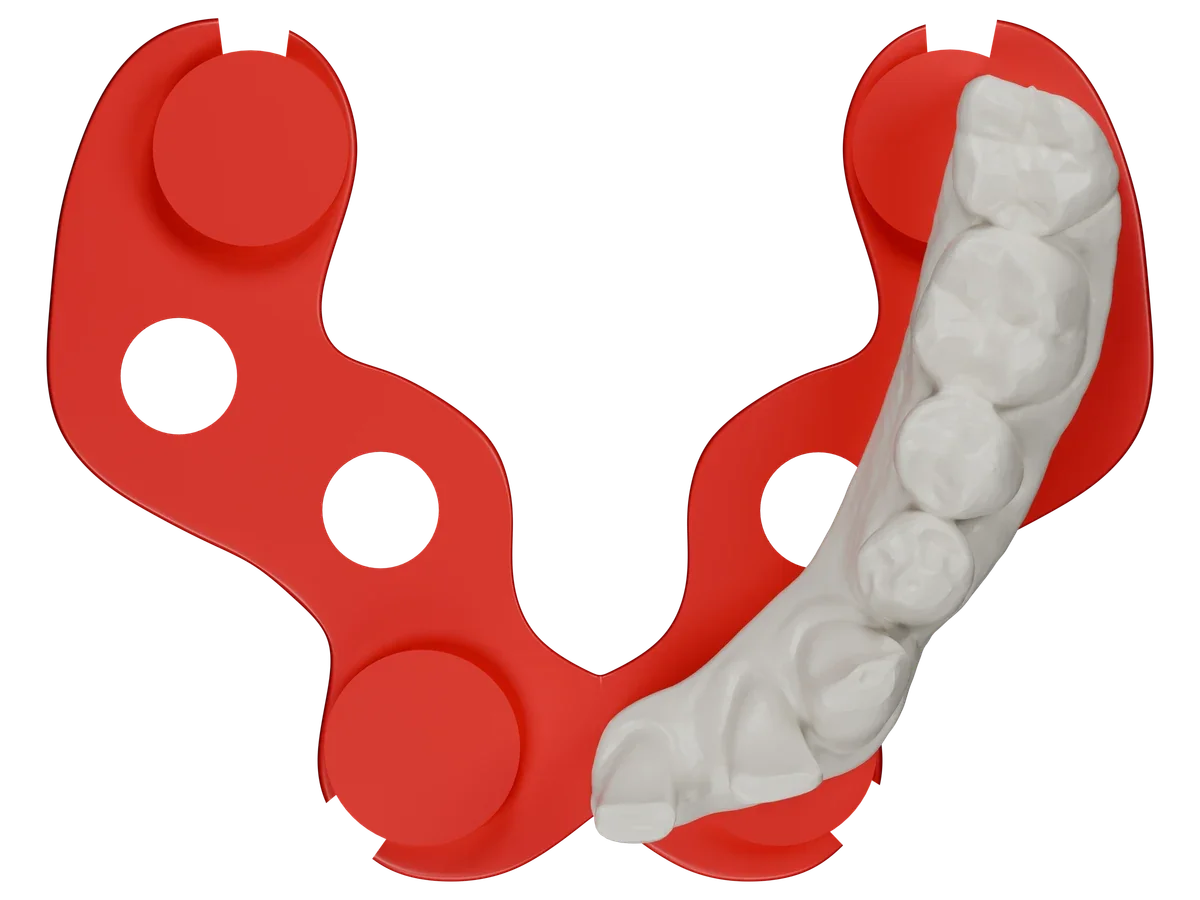
The Frame is not one of the nine combinations. For half arch and quadrant cases it gives the model a stabilized base: the four sockets joined by a reinforcement bar, so a half arch model prints and seats as one piece. There is one Frame version, in the exocad and 3Shape libraries.
Patent Pending
DockingMatrix™ is covered by a pending international patent application.
Patent Pending. The DACOS Omni system, including its adapter plates, calibration method, attachment geometry and magnet placement tools, is protected by a pending international patent application.
What this means for your lab
If your current system makes you choose between magnetic mounting and implant cases, you are working within a limit that does not need to exist. DockingMatrix™ removes that choice: nine combinations, chosen around the analogs in front of you.
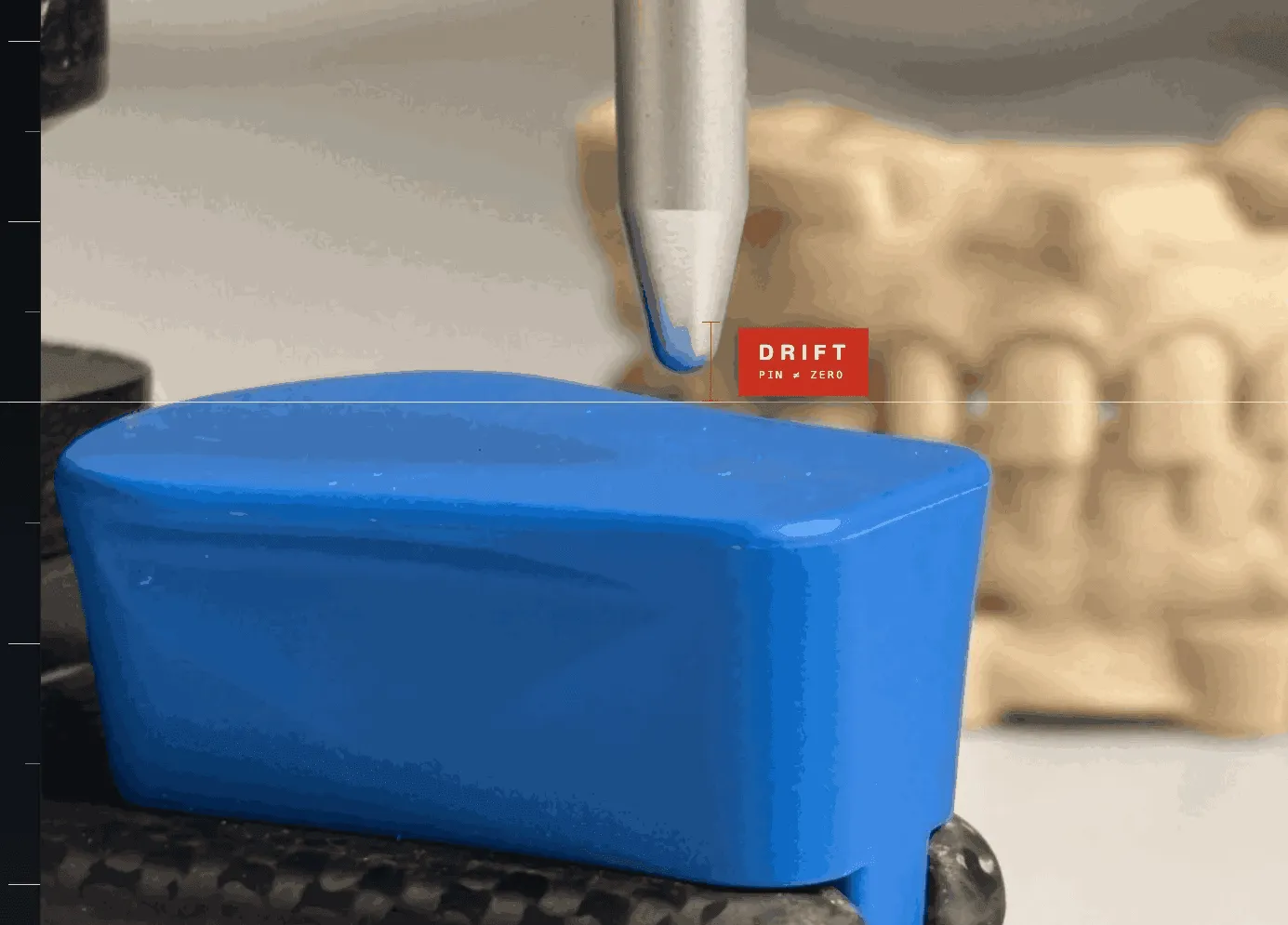
Combined with ShieldBase™ Geometry for flat printing and TrueZero™ Calibration on your own printer and resin, DockingMatrix™ is one of the four pillars of ZeroDrift™ Transfer.
The whole protocol: Introducing ZeroDrift™ Transfer: From CAD to Articulator. A full-arch case built with it: Full-Arch Implant Case on DACOS Omni: Complete Walkthrough. The DACOS library for your CAD: exocad, 3Shape, Blender for Dental.