The case
Mandibular All-on-4. Four implant analogs, a bar connection planned, the opposing arch already mounted.
This is the case type that exposes a fixed magnet layout. The analog housings sit right where a fixed layout wants its magnets: under the ridge, in the load path, along the arch. The technician is then left with three bad options: grind the analog housing, shift the magnet and accept an off-axis pull, or abandon the magnetic system and go back to plaster for this one case.
All three are compromises. Two of them show up later, at try-in, as a bite that does not match the design.
DACOS Omni does not ask you to choose. The magnet pattern moves; the model does not.
Design phase
The scan comes into exocad as usual. The scan bodies already define the implant positions, so the analog footprint is known before the base is ever built.
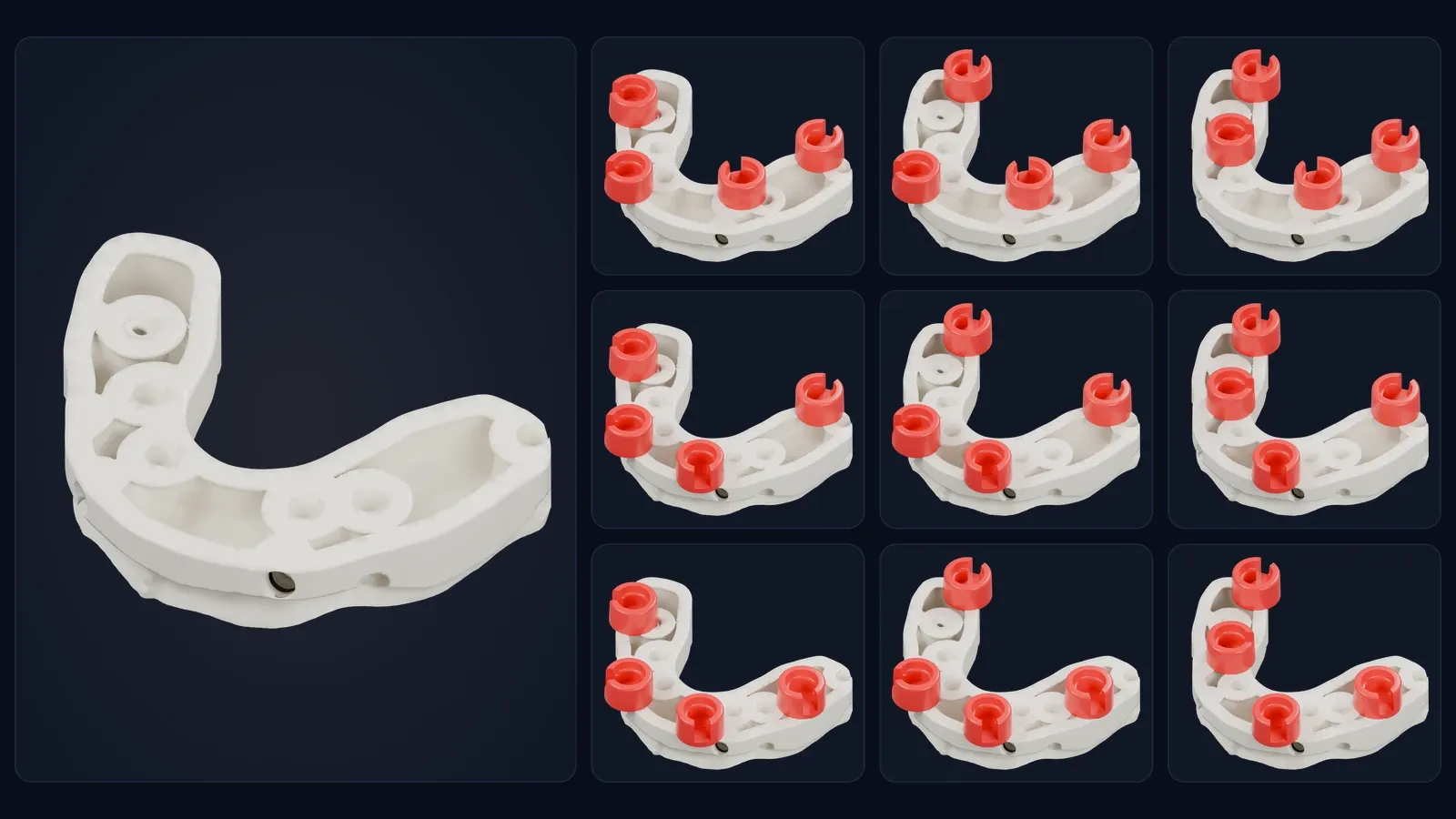
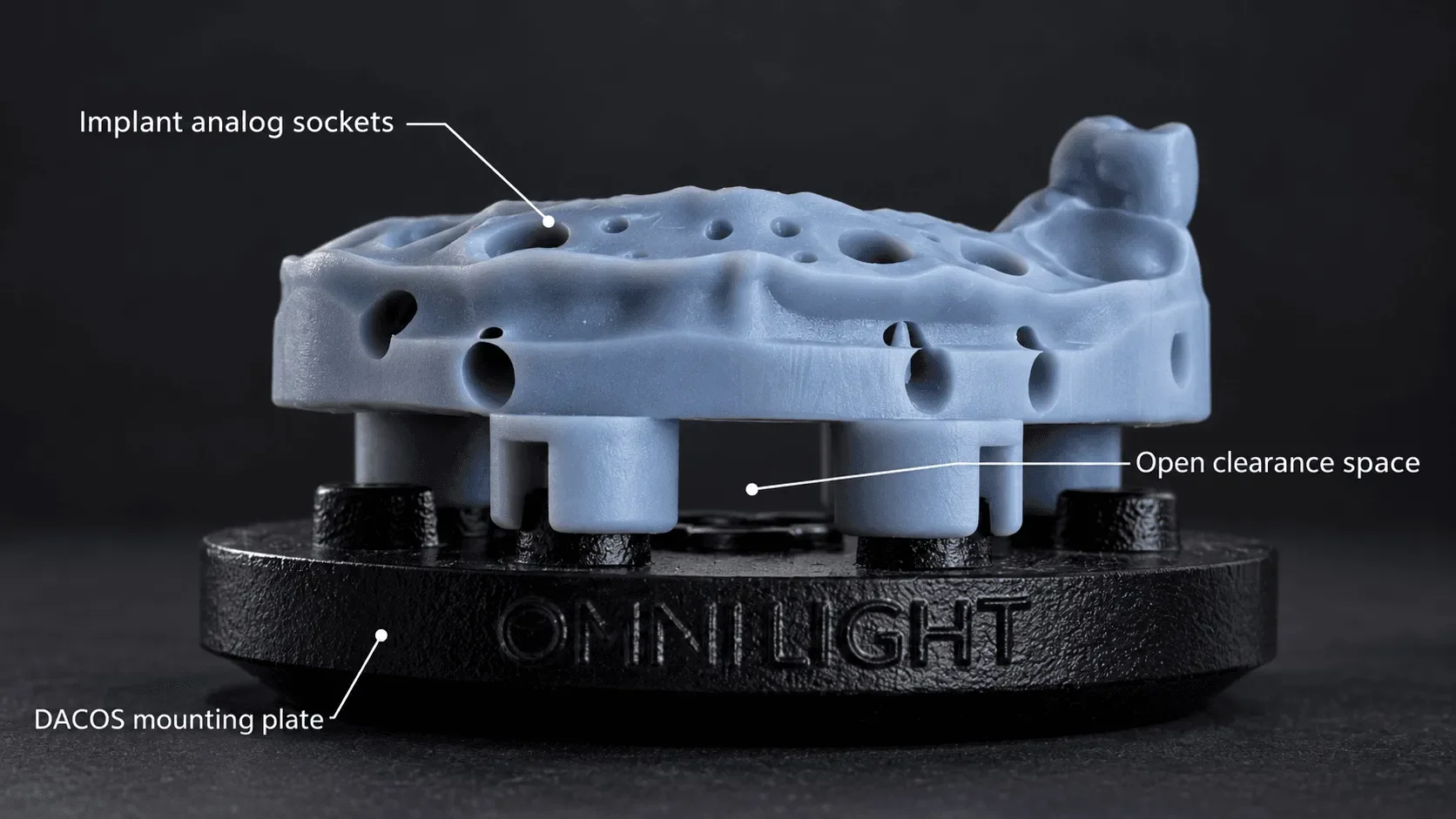
Open the DACOS library and select the attachments in the same version as the model: Light with Light, Ultra with Ultra. Instead of one fixed magnet layout, DockingMatrix™ gives you nine combinations, each with four attachments on the eight magnet positions of the plate. Without analogs you use the standard combination, DAC4-5. With analogs in the arch, you pick the combination whose four attachments clear them.
In this case the analogs rule out the standard layout. DAC4-6, with magnets at positions 1 · 4 · 6 · 8, clears all four analog housings. If you need a little more room, the whole combination moves in X and Y, never in Z, so the occlusal plane does not tilt. The single attachments never move on their own.
Working with Ultra and analogs? Build the model at 40 mm and choose Ultra Extended: the pre-extruded attachment keeps the boolean cut away from the analogs and the model keeps its support.
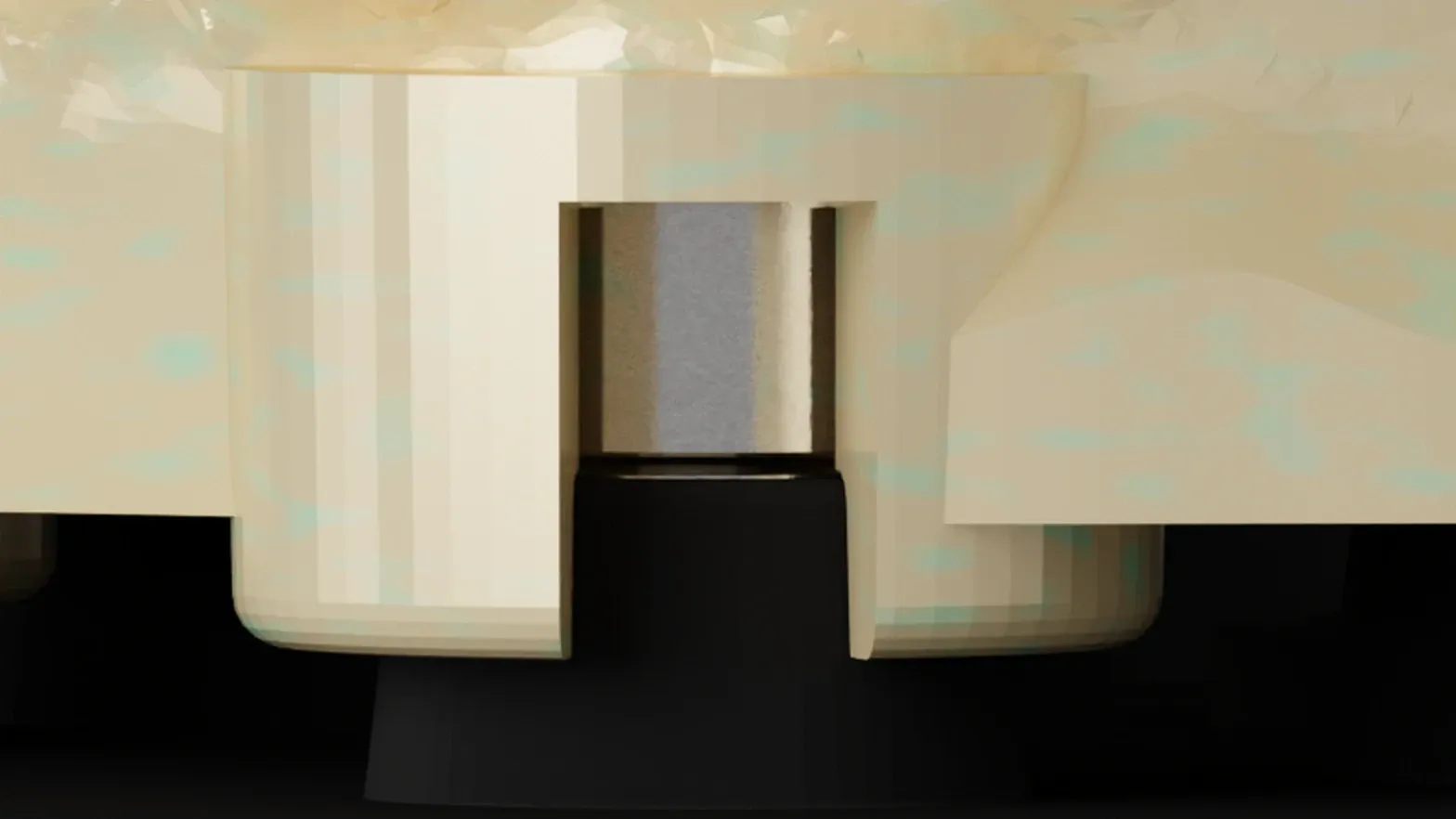
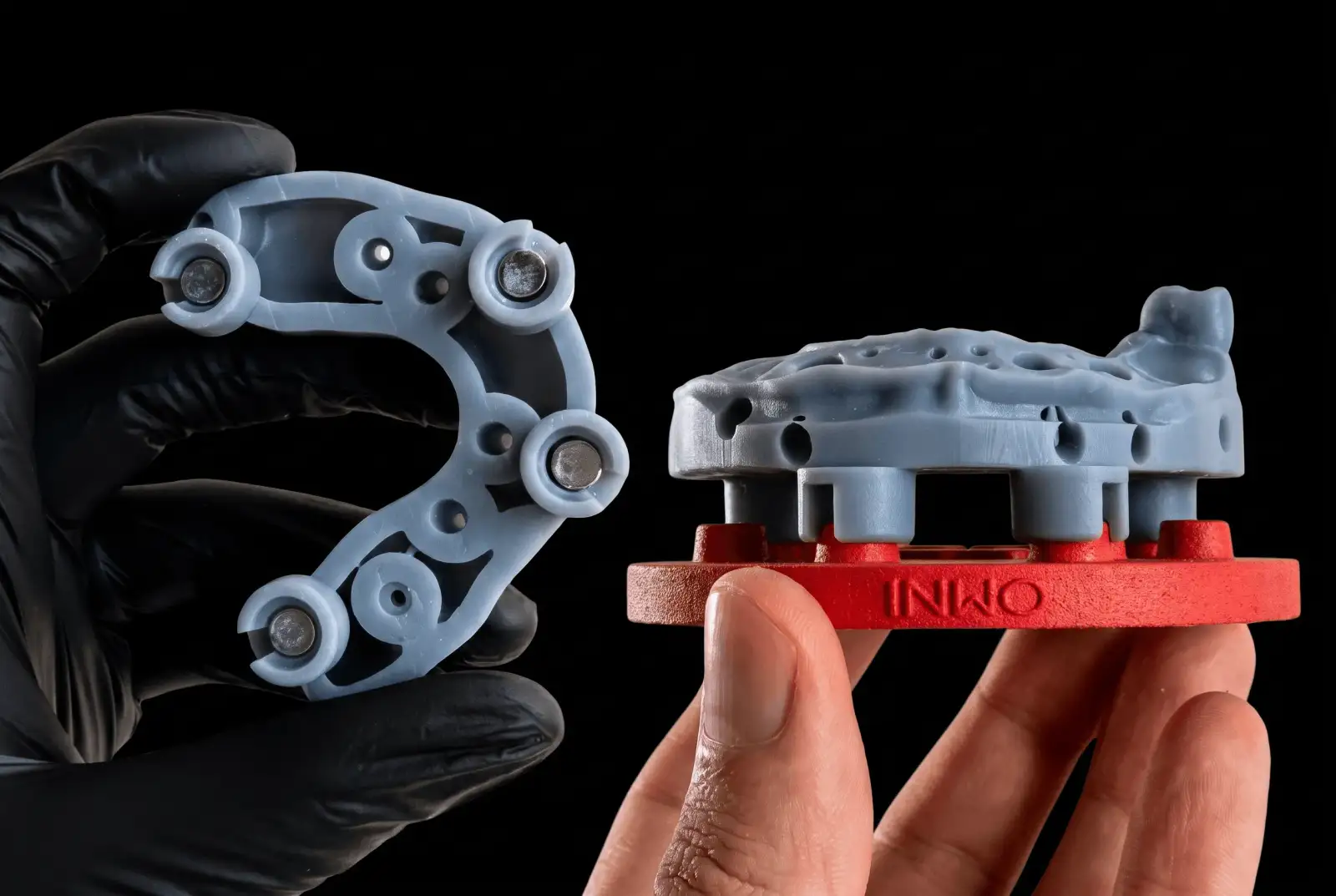
From there the operation is mechanical. The boolean merges the four ShieldBase™ attachments into the model: a blind magnet seat in each, with the seating step around it. The base is part of the model, not stuck underneath it. The model exports as a single STL, ready to print flat.
No guessing whether the fourth magnet will land in a housing. The interference question was answered at the combination step, before the geometry existed.
Print and preparation
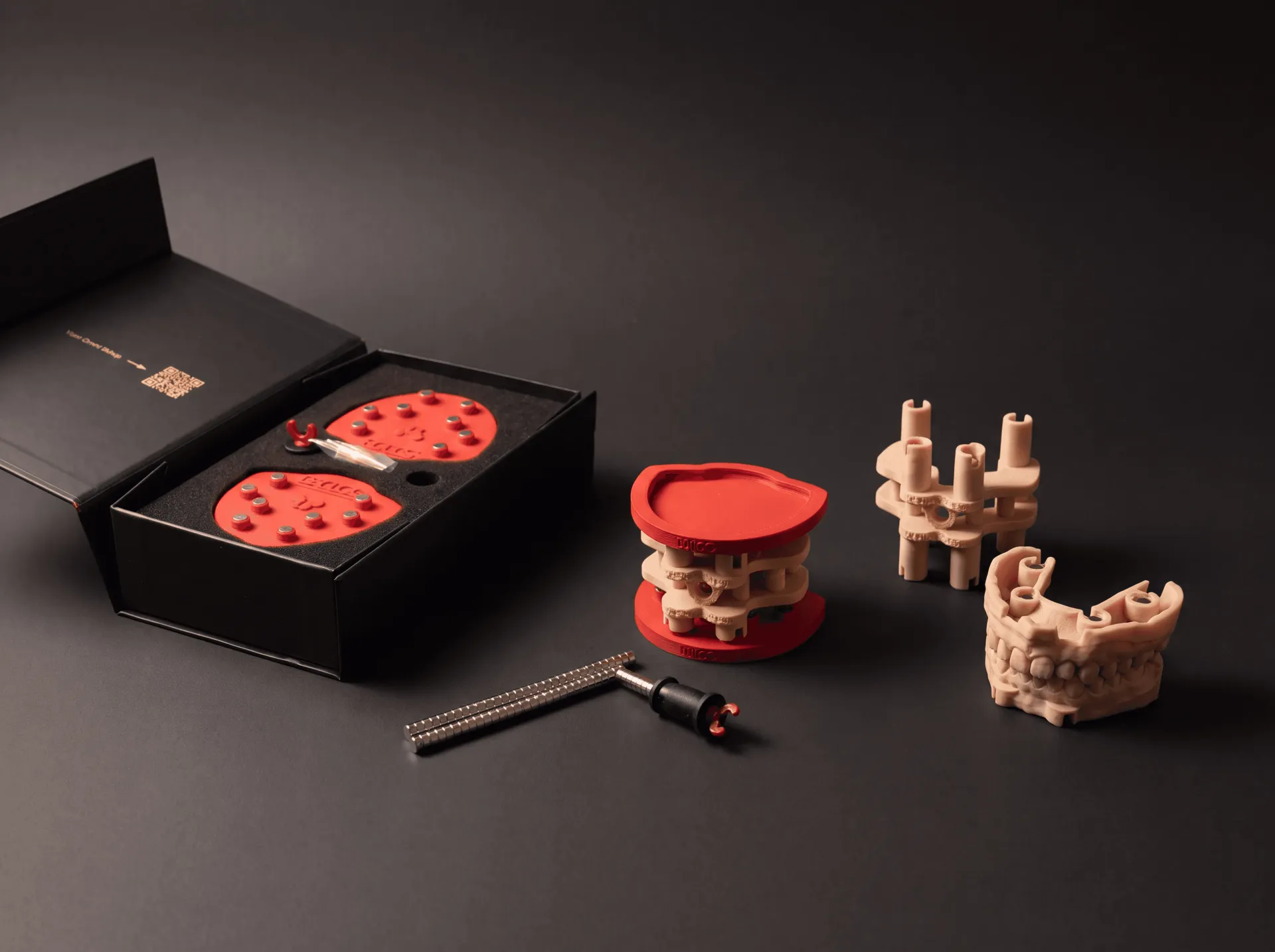
Print flat, on the same printer, with the same resin and settings as your TrueZero™ calibrator. That is the point of printing your own calibrator: the plates are calibrated to the parts your own process produces.
Wash and post-cure following the resin manufacturer’s instructions, with the same protocol you used for the calibrator. Full-arch needs no special handling.
Auto support puts the pins under the base and leaves the seating step around each magnet housing free. The surface that touches the plate is the one surface that never carries a support mark.
Magnet placement with the Omni GlueJet™: the tool holds each magnet in the right position and polarity. Put a small drop of cyanoacrylate at the bottom of the socket, insert the GlueJet™, release the magnet and push it home. Keep glue off the seating step. Let the glue cure for about ten minutes before you seat the model.
Mounting and verification
Dock the model on the calibrated DACOS plate.
The magnets pull the model onto its seat. There is one seated position, and the model finds it.
Close the articulator. The incisal pin returns to zero.
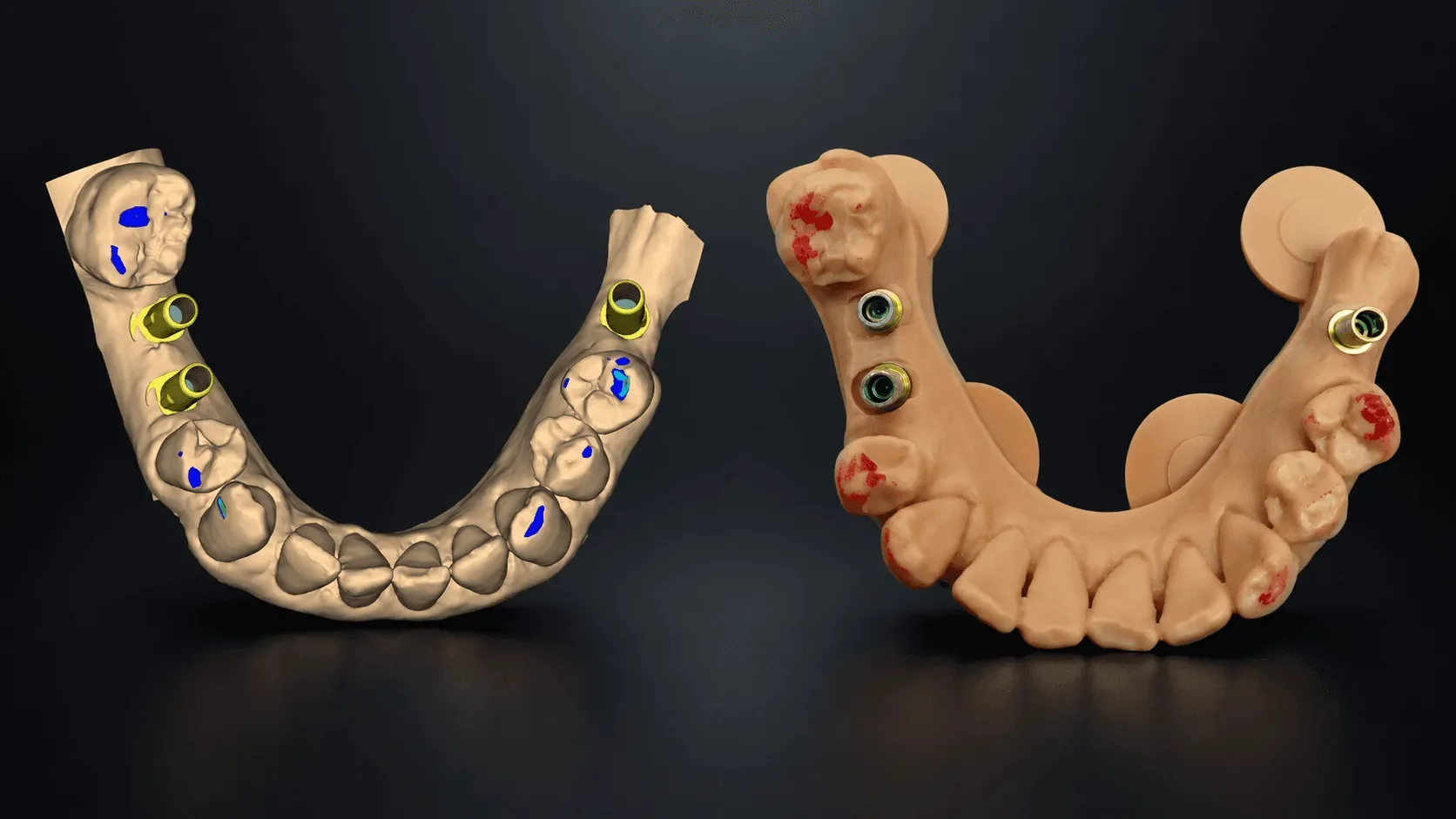
Check the contacts with articulating paper. They match the CAD contact map: the same points, in the same places the design showed on screen.
Then check what this case was really about: analog clearance. All four analogs sit clear of the four DAC4-6 attachments. Nothing was ground. Nothing was relieved. Nothing was worked around.
Remove the model and remount it three more times. The pin returns to zero on every remount, and the contact pattern does not change across all four seatings.
That is the remount check: not a number on a spec sheet, but a check you run yourself, on the case in front of you.
What this means
Full-arch implant cases are the cases that send technicians back to plaster. Not because plaster is better, but because a fixed magnet layout cannot handle an analog where it wants a magnet.
This one went from design to verified mount without a single workaround. With DockingMatrix™ the exception cases become routine ones, because the magnet pattern adapts to the case instead of the case adapting to the hardware.
That is the whole point. The system should never be the reason you change how you work.
How the nine combinations work: DockingMatrix™: 9 Combinations to Clear Your Implant Analogs
The protocol behind this case: Introducing ZeroDrift™ Transfer: From CAD to Articulator
Patent Pending. The DACOS Omni system, including its adapter plates, calibration method, attachment geometry and magnet placement tools, is protected by a pending international patent application.