Plaster isn’t the problem
Let’s start with something most plaster-free brands won’t say: plaster works.
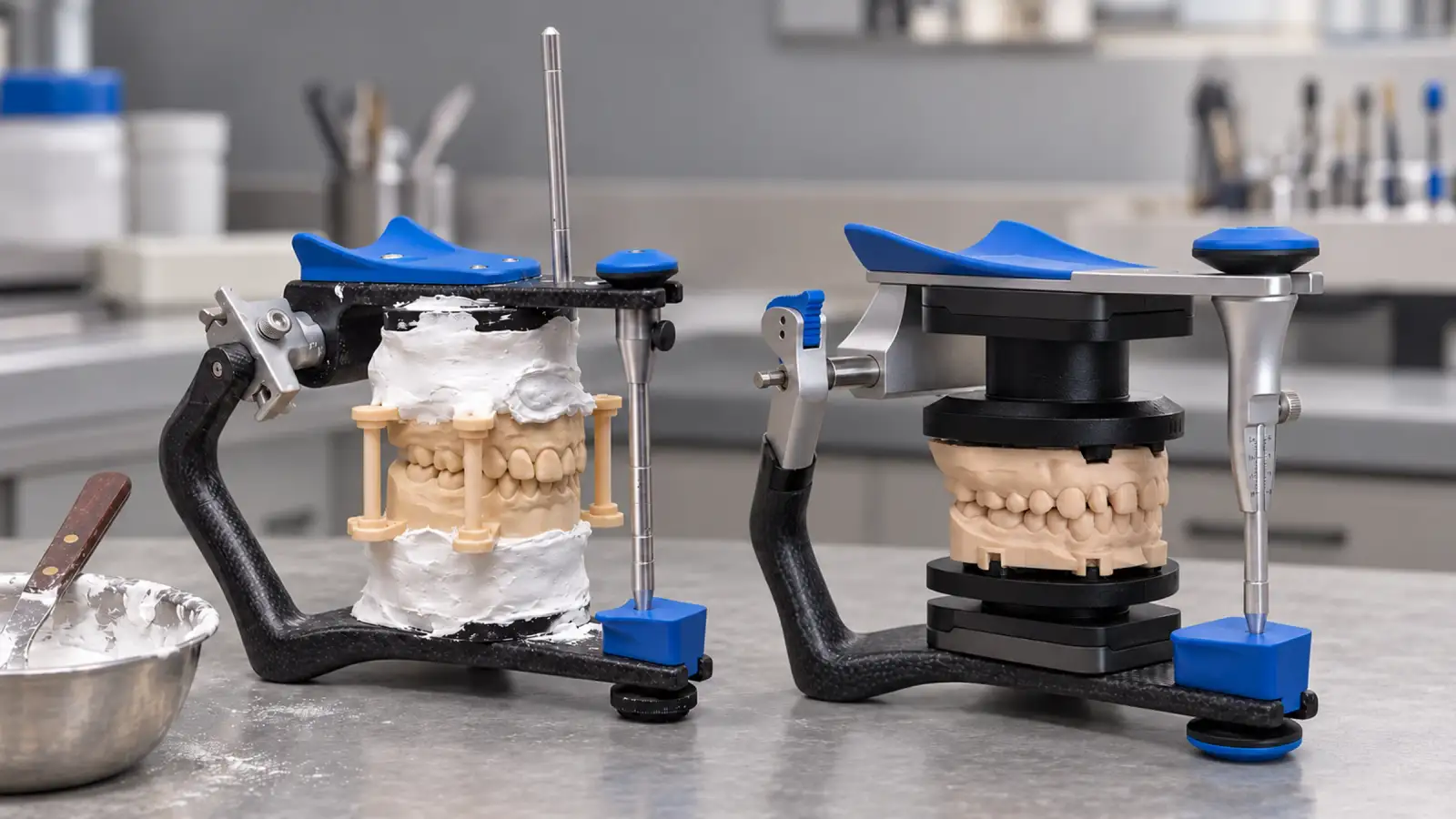
Labs have mounted good cases with plaster, split cast, elastics and a Bonwill triangle for decades. If that’s your method, you’re not behind and you’re not doing it wrong. You’re doing skilled manual work, and the results show it.
This post isn’t about replacing plaster because plaster fails. It’s about one gap in a workflow that has otherwise gone digital.
The step where the file stops
Look at the path a case takes in your lab today.
You scan it digitally. You design it digitally, with contacts placed to a precision you can see on screen. You print it digitally, on a printer you calibrated.
Then the model reaches the articulator, and the reference position is rebuilt by hand. Occlusal plane, midline, Bonwill triangle, elastics, plaster, waiting. Every new case starts from scratch, and the quality of the mount depends on the eye, the day and the pressure of the hand.
And it depends on who mounts it. Plaster is a reliable material, but the mount it produces carries the hand of the operator: how the plaster is mixed, how much goes on, how the model is held while it sets, where the elastics sit. Two skilled technicians mounting the same case will get two slightly different positions. Neither is wrong. Neither comes from the file.
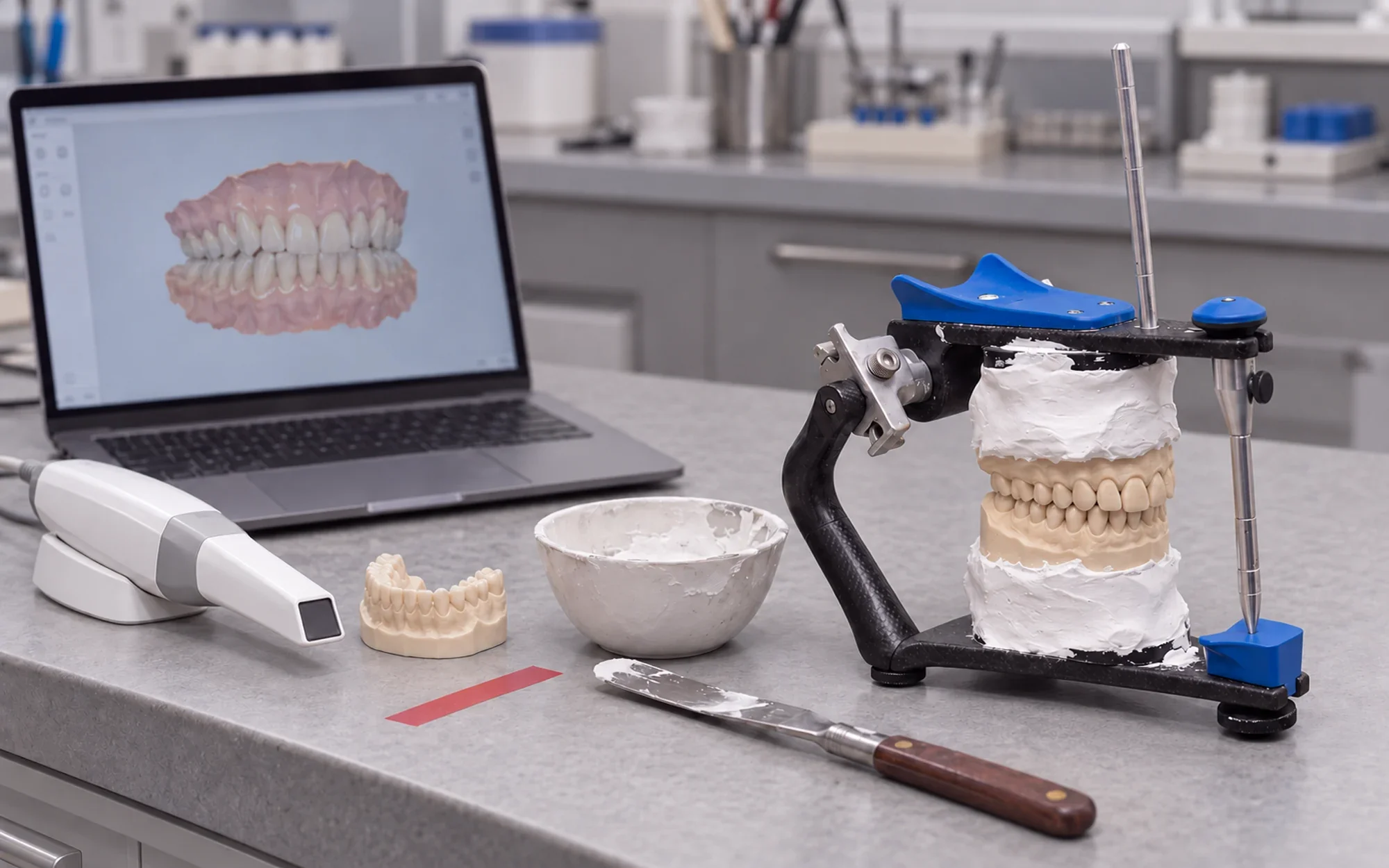
It’s the one point in the chain where the position comes from your hands instead of your file. Everything above it is as precise as your equipment. The mount is as precise as your afternoon.
What changes when the position comes from the file
With ZeroDrift™ Transfer the position is decided where you already decide everything else: in CAD.
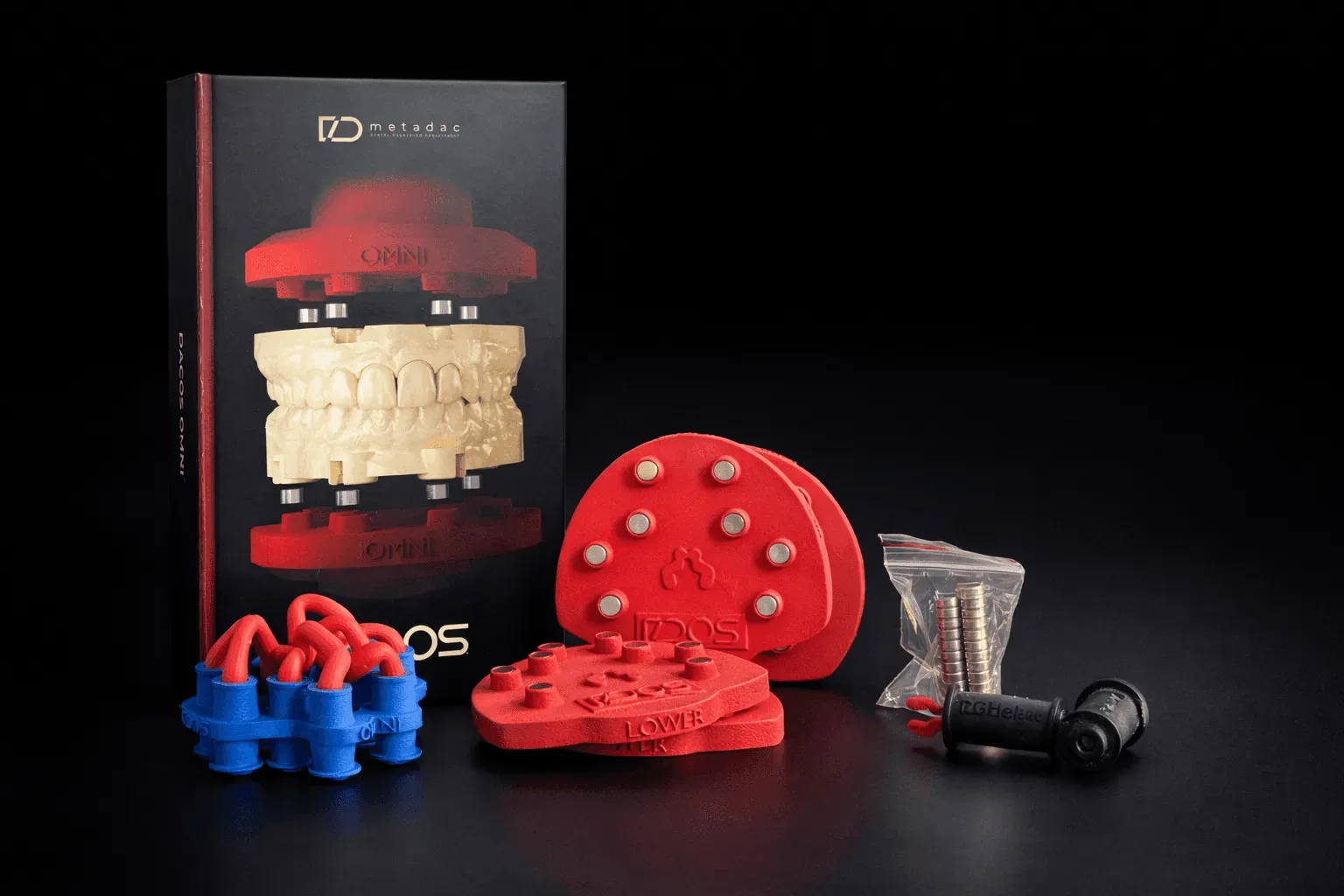
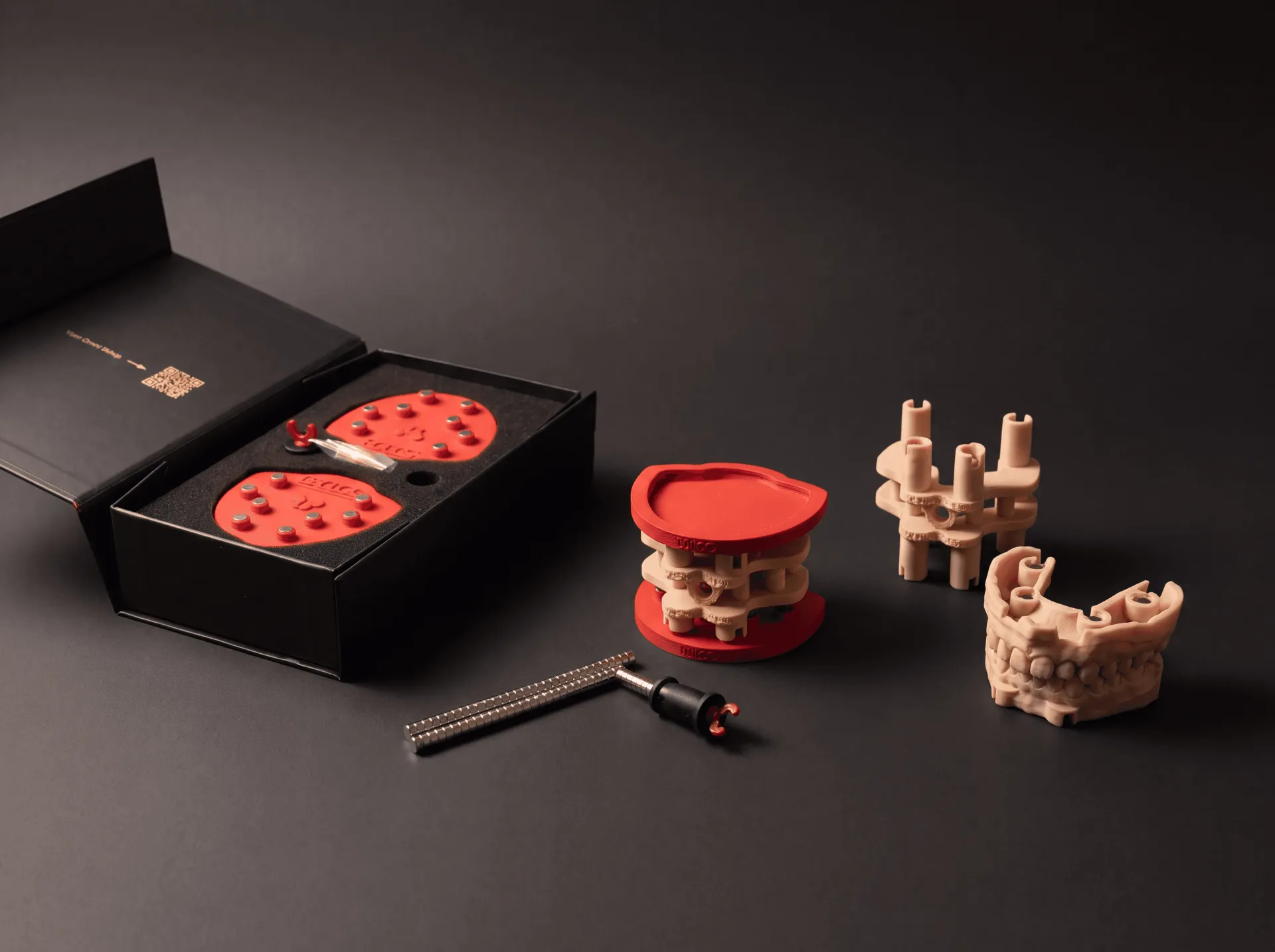
- In the design. The DACOS library in exocad, 3Shape or Blender for Dental adds the attachment geometry to the model while you design. If the case has implant analogs, you pick, case by case, whichever of the nine DockingMatrix™ combinations leaves them clear.
- In the print. The base prints flat, as part of the model. No separate base, no plaster, no setting time.
- On the articulator. The model seats on the magnetic plate in the position the CAD design gives it. The pin closes to zero, the contacts are the ones you designed, and the model doesn’t move.
There is no reference to rebuild, because the reference travels with the file. A case mounted on Monday and a case mounted on Friday get the same treatment, whoever is at the bench.
What it takes, and what it doesn’t
It doesn’t take a new articulator. DACOS Omni fits the articulators you already own, through the plate and adapter for your model. That’s decided once, when you order.
It takes a calibration, once. At setup you print the TrueZero™ calibrator on your own printer and resin and lock the zero on your articulator. After that, every model mounts on the same reference.
It doesn’t take your plaster away. Many labs keep plaster for the cases where they want it. The point is choice: the cases you designed digitally no longer have to leave the digital chain at the last step.
It saves time, but that’s not the main reason. Mounting goes from a manual job to a few minutes of seating a model on magnets. The bigger change is that the result is no longer a matter of trust. You can check it on the first mount.
The setup is covered step by step in the unboxing to first model guide.
The last step of your digital chain
You invested in a scanner, CAD software and a printer so the precision of a case would come from data, not from luck. Mounting digitally simply lets that investment reach the articulator.
You designed it digitally. Mount it digitally.